Prevention of ransomware viruses: practical guide for home and business
Preventing ransomware viruses is a set of measures that reduce the risk of ransomware infection and help recover quickly without paying a ransom. Ransomware viruses block access to files, servers, or workstations and then demand money for decryption. In this article, we will discuss how they infiltrate systems, which settings are truly important, how to organize backups, educate employees, and create an incident response plan.
What are ransomware viruses and why are they dangerous
A ransomware virus is a malicious program that encrypts user or company files. After this, criminals display a ransom demand. Sometimes they also threaten to publish stolen documents if the victim does not pay.
The main danger of ransomware is not just the loss of files. An attack can halt sales, production, accounting, customer support, and internal services. Even if the data can be restored, companies often have to spend time validating systems, reinstalling workstations, changing passwords, and investigating the cause of the infection.
For home users, the consequences are also severe. Threatened are photographs, documents, archives, educational materials, projects, and data in cloud folders. If the malware gains access to a synchronized directory, encrypted file versions can quickly be sent to the cloud.
How ransomware infiltrates computers and servers
For prevention to be effective, it is essential to understand typical infection paths. Most attacks do not begin with complex hacking but with errors in basic protection.
Phishing emails and malicious attachments
Criminals often disguise emails as invoices, acts, resumes, notifications from delivery services, requests from counterparties, or messages from banks. Attachments may include archives, macro-enabled documents, executable files, or links to fake websites.
Emails that create a sense of urgency are particularly dangerous: "pay today," "your account is blocked," "check the contract," "urgent confirmation needed." The user opens the file, permits macros to execute, or enters credentials on a fake page. After this, the attacker gains an entry point.
Vulnerabilities in software and operating systems
If updates are not installed for months, criminals can exploit known vulnerabilities. The risk is higher for servers, remote access, VPN gateways, email systems, browsers, office suites, and archiving software.
Security patches are not necessary just for show. They close specific issues that researchers and criminals already know about. Thus, regular updates are one of the simplest and most important defenses against ransomware.
Weak passwords and RDP access
Remote desktop, admin panels, SSH, VPN, and cloud accounts often become targets for password guessing. If a simple password is used, or the same password from another service is repeated, or if two-factor authentication is not in place, the risk increases significantly.
Publishing RDP directly on the internet is particularly dangerous. Even with a complex password, it increases the attack surface. It is better to use VPN, IP restrictions, remote access gateways, and strict entry rules.
Pirated software and dubious downloads
Cracks, activators, "free" versions of paid software, and unknown utilities often contain malicious code. The user themselves disables protection, runs the file with admin rights, thereby opening a path for infection.
For businesses, this scenario is especially dangerous. One infected computer can become an entry point to the shared network, file folders, and servers.

Basic principles of ransomware prevention
Reliable protection is built on the principle of multiple barriers. If one level fails, the next should stop the attack or lessen the damage. There is no single setting that resolves the problem forever. A combination of technical, organizational, and user measures is required.
Principle of least privilege
Users should have only the permissions necessary to perform their work. If an employee does not need to administer a computer, they should not operate under an administrator account. If a department does not require access to a folder with financial archives, it should be restricted.
This principle limits the spread of ransomware. Even if the malware is launched, it will be able to damage fewer files and will not have access to critical systems.
Network segmentation and secure resources
Servers, workstations, accounting systems, production segments, and guest Wi-Fi are better kept separate. This can be achieved with VLANs, firewalls, and access rules. The goal is straightforward: the infection of one computer should not automatically grant access to the entire infrastructure.
In a small office, it is beneficial to at least separate the guest network from the work network, limit access to file folders, and not store all data in a shared directory without permissions.
Email and web traffic protection
Email filters, attachment checks, blocking dangerous file types, anti-spam, and phishing protection significantly reduce risk. At the browser level, reputation filters, secure DNS, and banning the download of executable files from untrustworthy sources assist.
However, filters do not substitute vigilance. Some emails may appear legitimate. Therefore, users should know how to check the sender, domain, attachment, and link before opening.
Backing up as the main method to reduce damage
Even the best protection does not guarantee absolute safety. Therefore, backups are a key element in ransomware protection. The goal of backups is not just to "have a copy," but to have a copy that ransomware cannot corrupt.
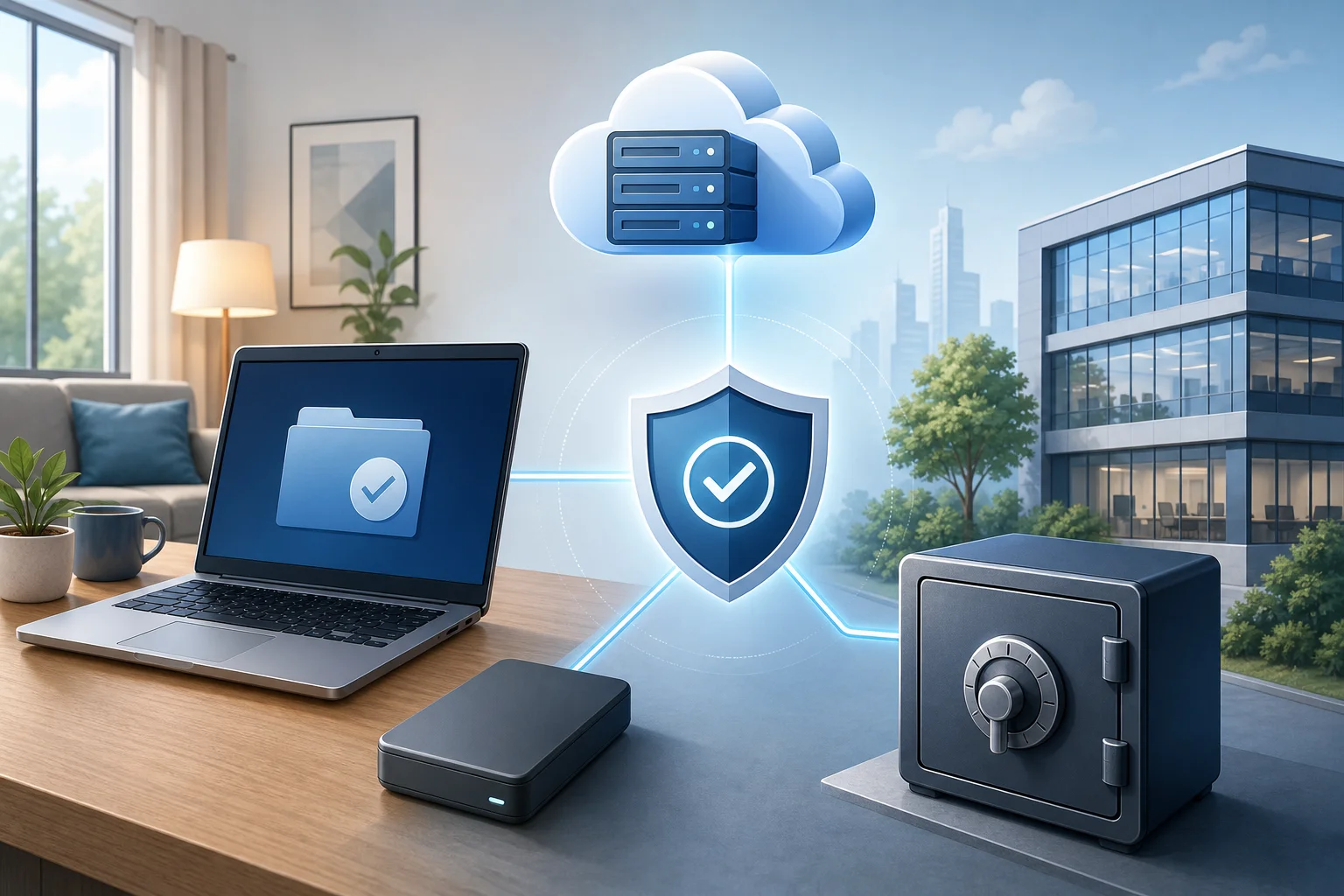
The 3-2-1 rule for backups
The classic approach is as follows:
- Keep at least three copies of data: one working and two backup copies.
- Use at least two different types of media or storage.
- Store one copy separately: off the main network, at another location, or in a secure cloud storage.
For businesses, it is also essential to add a principle: one copy must be immutable or inaccessible for regular accounts. This is called an immutable backup or a protected copy. If ransomware gains access to the domain or file server, it should not be able to delete backups.
What data to back up first
Start with inventorying. Critical data usually includes:
- accounting databases and documents;
- CRM, ERP, and customer databases;
- contracts, invoices, acts, and primary documentation;
- work projects and source files;
- email archives and important correspondence;
- configurations of servers, networking equipment, and applications;
- keys, certificates, and integration settings;
- personal data if processed within the company.
For home users, priorities are simpler: documents, photos, videos, educational materials, passwords in a password manager, projects, and files that cannot be downloaded again.
How often to make backups
Frequency depends on how much data you are willing to lose. If a company can recover from the loss of one day's data, daily backups may suffice. If every hour of downtime is critical, more frequent copies and transaction logs are needed.
It is helpful to define two indicators:
- RPO — acceptable volume of data loss over time;
- RTO — acceptable recovery time.
For example, if the RPO is four hours, copies should be made more frequently than once a day. If the RTO is two hours, the recovery process must be practiced in advance, not devised during an attack.
Recovery testing
A backup without testing is an assumption, not protection. Regularly restore a test copy and check if files open, databases run, and if access rights are sufficient. After significant infrastructure changes, recovery tests are especially important.
For small businesses, a checklist is enough: for example, restore selective files once a month, and check a key system entirely once a quarter.
Step-by-step plan for ransomware protection
Below is a practical plan that can be used as a checklist. It is suitable for a small company, office, freelancer, or advanced home user.
- Create a list of critical data and devices. Identify where important files are stored, who has access to them, and which systems cannot be halted for long periods.
- Set up backups according to the 3-2-1 rule. Add an offline copy or immutable storage. Check recovery on test data.
- Update operating systems and programs. Enable automatic updates where safe. For servers, set up a regular maintenance window.
- Restrict users' rights. Remove unnecessary admin rights. Divide folder access by roles. Disable unused accounts.
- Enable multi-factor authentication. Start with email, VPN, cloud services, admin accounts, and remote access.
- Shut down dangerous remote access. Do not publish RDP directly on the internet. Use VPN, IP restrictions, and entry logging.
- Configure antivirus or EDR. Enable behavioral analysis, file change protection, cloud scanning, and automatic threat isolation.
- Protect email. Enable anti-spam, attachment checks, and domain mechanisms like SPF, DKIM, and DMARC for corporate email.
- Train users. Show phishing examples, explain rules for handling attachments, and create a simple channel for reporting suspicious emails.
- Prepare an incident response plan. Describe whom to notify, how to disconnect the infected device, where backups are stored, and who makes the recovery decision.
It is better to go through this list not just once but regularly. Infrastructure changes: new employees, services, laptops, cloud folders, and external contractors arise.
Comparison of protection measures by effectiveness and complexity
| Protection measure | What it provides | Implementation complexity | Priority |
|---|---|---|---|
| 3-2-1 backup | Allows data recovery without ransom | Medium | Very high |
| Multi-factor authentication | Reduces the risk of access with stolen password | Low or medium | Very high |
| Regular updates | Close known vulnerabilities | Low | High |
| Access rights restriction | Limits spreading of the attack | Medium | High |
| Email protection and anti-phishing | Blocks frequent infection scenarios | Medium | High |
| Disabling RDP from the internet | Removes a popular entry point | Low | High |
| Employee training | Reduces risk of mistakes | Low | Medium or high |
| Network segmentation | Limits movement of attackers | Medium or high | Medium |
| EDR and monitoring | Help detect attacks at an early stage | Medium | Medium or high |
The table demonstrates an important principle: one should start not with the most expensive solutions but with measures that close the most frequent risks. Backups, MFA, updates, and access restrictions provide strong effects even in a small organization.
Workstation and server settings
Workstations often become the first point of infection. Servers, in turn, contain the most valuable data. Thus, the approach must differ but be coordinated.
What to configure on user computers
It is essential to implement the following measures on workstations:
- use an updated operating system;
- enable automatic security updates;
- prohibit regular users from installing programs unnecessarily;
- enable protection against malware and suspicious behavior;
- limit script execution from temporary folders and email attachments;
- show file extensions so that users can see the difference between PDF and EXE;
- prohibit or limit macros from the internet;
- set screen locking and disk encryption on laptops;
- use a password manager instead of reusing one password.
Special attention should be paid to local administrators. If all computers have the same local admin password, one leak can lead to widespread infection. Centralized management of such passwords is preferable in a corporate environment.
What to configure on servers
On servers, access control, updates, and logging are crucial. Do not store work files and backups on the same server under identical rights. Separate administrative accounts and use distinct accounts for everyday work.
Useful measures for servers include:
- installing updates on an approved schedule;
- prohibiting login under generic accounts;
- MFA for administrators and remote access;
- restricting access to admin interfaces by IP;
- logging logins, changes in rights, and mass file operations;
- integrity control of important directories;
- separate storage of backups;
- regular checks of open ports and unnecessary services.
If the server is accessible from the internet, it should be treated as a high-risk object. The fewer open services there are, the easier it is to control security.
Protecting email from ransomware
Email remains one of the main attack channels. Therefore, preventing ransomware infection is impossible without rules for handling emails.
Rules for users
Users need to be educated on simple risk signs:
- the email arrives unexpectedly and demands urgent action;
- the sender's address is similar to the real one but differs by one letter or domain;
- the attachment is in a password-protected archive;
- the document asks to enable macros or "allow content";
- the link leads to a domain not associated with the organization;
- the text contains unusual mistakes, odd addresses, or pressure;
- the sender asks to transfer money, change details, or enter a password.
It is essential not to reprimand employees for reporting suspicious emails. On the contrary, a convenient channel for verification reduces risk. Better to receive ten extra reports than to deal with one ransomware outbreak.
Technical measures for email
At the domain and email service level, configure SPF, DKIM, and DMARC. These mechanisms help reduce the risk of sender spoofing. Sandboxes for attachments, blocking executable files, link analysis, and alerts for emails from external senders are also useful.
For companies actively working with documents, it is advisable to limit macros. If macros are truly needed, they should only be allowed for signed documents from trusted sources.
The role of antivirus, EDR, and monitoring
Antivirus should not be the only line of defense, but it remains an important element of protection. Modern security solutions analyze not only signatures but also program behavior. For instance, mass renaming and encrypting files can be a sign of an attack.
EDR solutions provide more capabilities: they collect events from workstations, help investigate incidents, isolate devices, and track the attacker's chain of actions. For small businesses, this may be excessive, but for organizations with several dozen computers and servers, this approach is often justified.
The minimum set of configurations should include:
- regular updates of protection databases and components;
- real-time protection enabled;
- blocking suspicious scripts;
- monitoring changes in protected folders;
- automatic submission of suspicious files for analysis;
- administrator alerts for critical events;
- prohibition of users disabling protection without permission.
At the same time, it is important to monitor false positives. If the security system constantly disrupts work, users will begin to seek workarounds. Settings should be strict but manageable.
Employee training and digital hygiene rules
Technical measures work better when users understand the risks. Training should not be a lengthy lecture once a year. It is better to hold short, regular sessions, send phishing examples, and analyze real situations without accusations.
What every employee should know
The minimum training program includes five topics:
- How to distinguish a phishing email from a regular one.
- Why macros should not be enabled and unknown files run.
- How to verify links before clicking.
- Why passwords must be unique.
- Where to report suspicious activity.
It is useful to consolidate the rules in a short memo. It should be simple: "do not open," "check," "report," "do not enter passwords after clicking links in emails." Complex instructions often do not work well during times of stress.
How to conduct training
Companies benefit from simulated phishing campaigns. The goal is not to punish but to highlight vulnerabilities. After the training, it is necessary to explain the signs of phishing emails, analyze mistakes, and update instructions.
It is also useful to conduct tabletop incident exercises. Participants discuss a scenario: a computer is infected, encrypted files appear on the file server, and some employees cannot open documents. The team must understand who disconnects the network, who checks backups, who communicates with management and clients.
What to do if you suspect an infection
If you see mass changes in file extensions, a ransom note, a sudden slowdown of the system, or strange processes, act quickly. Do not try to "wait and watch." Every minute can increase damage.
Initial actions
- Disconnect the device from the network: unplug the network cable, turn off Wi-Fi and Bluetooth.
- Do not turn off the computer if you can involve an investigation specialist. The RAM may contain important traces.
- Notify the IT responsible person or manager through a pre-agreed channel.
- Do not connect external drives or open shared folders.
- Document the signs: time, device name, ransom message, changed file extensions.
- Check if network folders, servers, and cloud directories are affected.
- Start recovery only after isolating the threat.
For home users, the priority is to disconnect from the internet and not connect the backup drive until the system is checked. Otherwise, the ransomware may corrupt the backups.
Should you pay the ransom
Paying does not guarantee file recovery. Criminals may not send the key, send a non-working tool, or demand money again. Furthermore, paying supports a criminal scheme and does not eliminate the cause of the infection.
The right path is isolation, investigation, cleaning systems, and recovery from verified backups. If personal data, trade secrets, or critical services are involved, it is advisable to engage information security specialists and lawyers.
Common mistakes in ransomware protection
Many organizations implement separate measures but leave critical gaps. Here are the most common mistakes:
- backups are stored on the same network and accessible to the same administrators;
- recovery from backups has never been tested;
- employees constantly operate with admin rights;
- one password is used for multiple services;
- RDP is open on the internet without VPN and MFA;
- outdated software remains on work computers "because it is needed";
- email attachments from archives are not checked;
- no list of critical systems and responsible people exists;
- event logs are not collected or are quickly overwritten;
- an incident response plan exists only in the mind of one administrator.
Fixing these mistakes is often cheaper than recovering after an attack. Start with backups, access, and updates. Then move to segmentation, monitoring, and regular drills.
FAQ about ransomware prevention
How to protect against ransomware at home
Use an updated operating system, enable antivirus, do not run unknown files, store important data in multiple copies, and keep one copy disconnected from the computer. Also, use unique passwords and multi-factor authentication for email and cloud services.
Does cloud storage help against ransomware
Cloud storage can help if it has version history and the ability to recover deleted files. But synchronization itself is not a complete backup. If ransomware modifies files in a local folder, encrypted versions can be synchronized to the cloud. Therefore, check versioning settings and retention timelines.
Which antivirus is best against ransomware
More important than the product name are the features included: real-time protection, behavioral analysis, blocking suspicious scripts, monitoring protected folders, and regular updates. For businesses, centralized management and notifications to the administrator are useful.
Can the risk of infection be completely eliminated
The risk cannot be completely eradicated. However, the likelihood of an attack can be significantly reduced, and preparedness for recovery can be improved. This requires backups, updates, MFA, access restrictions, email protection, user training, and an incident response plan.
How often should backups be checked
For home data, it is sufficient to periodically restore selected files, for example, once a month. For businesses, checks should be regular and documented. Critical systems should be tested after major changes and according to a pre-approved schedule.
What to do if files are already encrypted
Isolate the device, do not connect backup drives, document signs of the attack and consult a specialist. Check for clean backups and the ability to restore previous versions of files. Do not delete traces until analysis is complete, especially if the incident impacted significant systems.
Quick checklist for preventive measures
Use this checklist for a quick self-assessment:
- critical data identified and listed;
- backups are created automatically;
- one copy is stored separately or protected from changes;
- recovery is regularly tested;
- operating systems and programs are updated;
- users do not have unnecessary admin rights;
- multi-factor authentication is enabled;
- RDP and admin panels are not open to the entire internet;
- email filters out dangerous attachments and phishing;
- macros from the internet are limited;
- employees know where to report suspicious emails;
- an incident response plan is in place;
- event logs are saved and reviewed;
- old accounts are disabled in a timely manner.
If even a few items are not completed, that is a good starting point. Do not try to do everything in one day. Prioritize and move from the most critical risks to less urgent ones.
Conclusion
Preventing ransomware viruses starts with simple but disciplined actions: reliable backups, updates, multi-factor authentication, privilege restrictions, and careful email handling. Then, protection is strengthened through network segmentation, monitoring, EDR, and regular training. Check your backups today, close unnecessary remote access, and create a brief incident response plan—these steps will help preserve data and restore operations faster in case of an attack.