Where to find cybersecurity assistance: a practical guide
If you are looking for where to find cybersecurity assistance, it means the problem already seems urgent: your account has been hacked, money stolen, files encrypted, a suspicious email received, or a data leak has been noticed in the company. This article gathers practical options: where a private user, business, or non-profit organization can turn for help, how to choose a specialist, what to prepare before reaching out, and which actions to take in the first minutes to avoid worsening the situation.
Cyber incidents rarely wait for a convenient moment. However, chaotic actions can cause harm: deleting traces of the attack, solidifying access for the attacker, or hindering the bank from reversing a payment. Therefore, it is crucial to quickly identify the type of problem and choose the appropriate channel for assistance.
When urgent cybersecurity assistance is needed
Seeking help is warranted not just after an obvious hack. Often, early consultation is cheaper and safer than recovering from damage. Urgent assistance is necessary if you notice one or more signs:
- you have lost access to email, messenger, social network, cloud, or personal account;
- money has been withdrawn from your card, account, or crypto wallet without your consent;
- the device is showing windows demanding ransom;
- files have been renamed, cannot be opened, or have received strange extensions;
- colleagues are receiving emails supposedly from you;
- your company's website redirects users to unknown pages;
- rules for email forwarding have appeared that you did not create;
- antivirus, EDR, or firewall reports an infection or suspicious access;
- your data has been found on the dark web, a Telegram channel, or a forum;
- an employee sent a password, SMS code, or card details to a phishing page.
If the situation poses a threat to life, physical safety, involves the blackmail of a minor, or presents an immediate risk of violence, first contact emergency services and law enforcement. Cyber specialists can assist with the digital aspect but do not replace emergency help.
Quick guide: where to turn in different situations
Below is a brief table for initial orientation. It does not replace professional consultation but helps clarify the first step.
| Situation | Where to turn first | What to do immediately |
|---|---|---|
| Money stolen from card or account | Bank via card number or from the official app | Block the card, dispute the transaction, save SMS and transaction history |
| Email or social network hacked | Official support of the service | Change the password, check recovery email, and enable 2FA |
| Falling for phishing | Bank, service support, cybersecurity specialist | Change passwords, log out all sessions, check the device |
| Files encrypted | Incident response specialist, security company, CERT/CSIRT | Do not pay immediately, do not reinstall the system, save samples of files |
| Site attack | Hosting provider, web developer, AppSec specialist | Temporarily restrict access, make a copy of logs, check CMS |
| Personal data leak | Personal data lawyer, DPO/responsible, security specialist | Document the fact, assess the scale, prepare legal notifications |
| Suspected infection on work computer | Internal IT/security department, SOC, contractor | Disconnect from the network, do not turn off the device without instructions from a specialist |
| Online blackmail or extortion | Law enforcement, platform, digital security specialist | Do not send new materials, save correspondence and links |
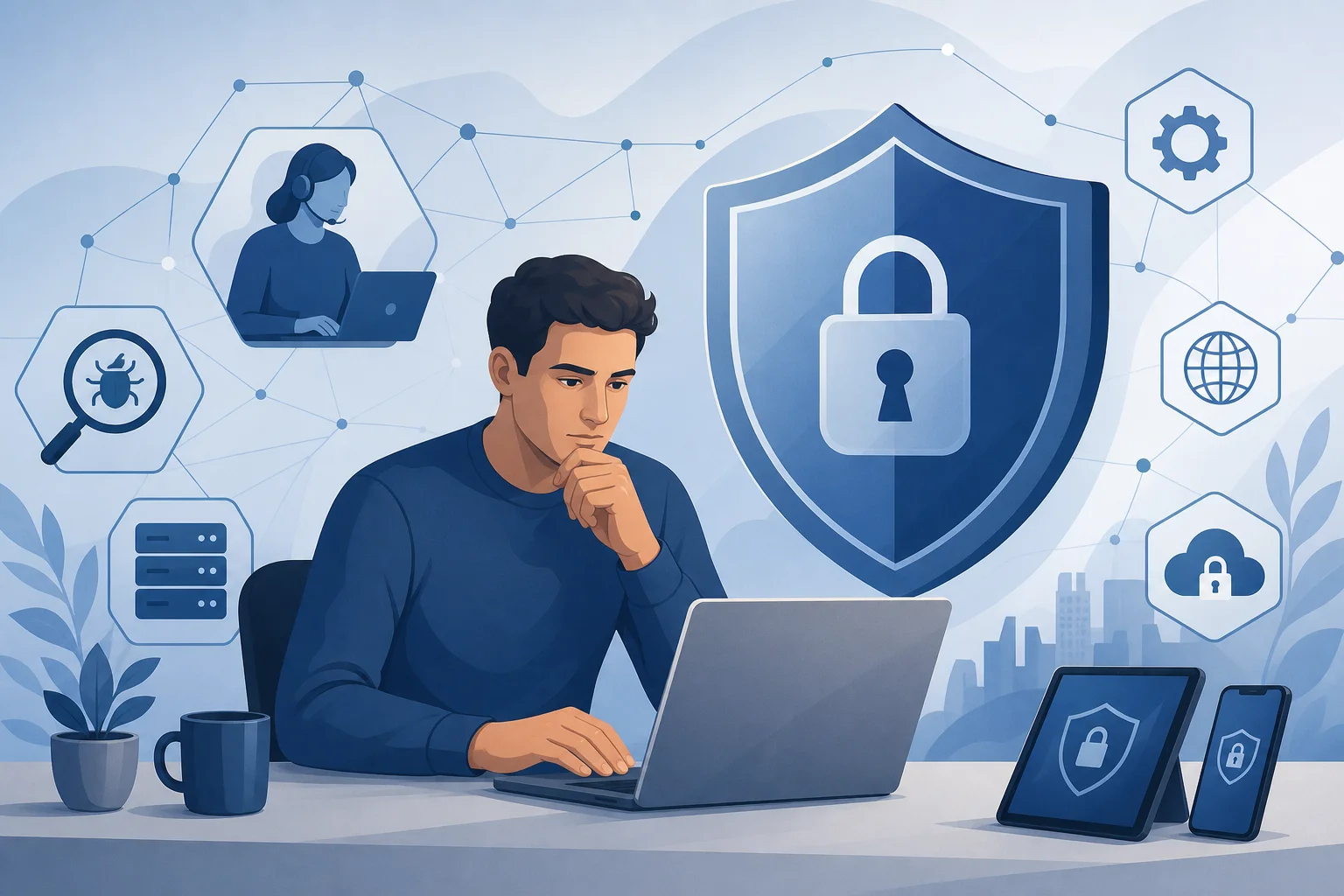
What types of cybersecurity assistance exist
Assistance can vary. To save time, it is useful to understand who exactly you need.
Technical support of the service
Support for email, social media, marketplace, bank, or cloud service helps restore access, cancel suspicious actions, disable active sessions, and check security settings. This is the best first channel if the problem is associated with a specific account.
It is important to contact only through the official website, application, or verified phone number. Do not seek support through random advertisements in search engines and messengers. Fraudsters often purchase ads for queries like "restore account urgently".
Incident response specialist
An incident response specialist is needed when there are signs of compromise of a device, server, corporate network, or cloud infrastructure. They help determine the point of entry, stop the attack, gather evidence, and restore operations.
Such assistance is especially crucial in cases of ransomware, domain infrastructure compromise, data leak, workstation infections, and website attacks. For businesses, this is one of the most valuable formats, as improper recovery may leave the attacker access.
Digital security consultant
Private users, journalists, activists, NGOs, and small businesses often need not a full audit but practical consultation. The consultant helps set up a password manager, two-factor authentication, secure backups, device protection, and privacy in messengers.
This is a good option if an incident has not yet occurred, but the risk is elevated: you are facing bullying, working with sensitive data, or fearing targeted hacking.
Digital law and personal data lawyer
A lawyer is needed if there is a personal data leak, a dispute with a bank, fraud, blackmail, violation of commercial secrets, or an obligation to notify the regulator. A technical expert investigates what occurred. The lawyer assists in drafting documents and selecting a legal strategy.
For organizations, a combination is useful: a security specialist, lawyer, and communications officer. This reduces the risk of errors in public statements and formal notifications.
Law enforcement
If there is theft of money, extortion, unauthorized access, distribution of intimate materials, fraud, or a security threat, it is advisable to file a complaint. Even if the chance of quick recovery seems low, the complaint documents the fact of the crime and may be needed by the bank, insurer, employer, or court.
Keep evidence until you contact authorities: correspondence, checks, website addresses, phone numbers, wallets, IP addresses from notifications, logs, and screenshots. Do not edit files or "clean" the device without necessity.
Where to find help for private users
A private person usually needs assistance during account hacks, fraudulent transfers, phone infections, or phishing. Start with official and safe channels.
Bank and payment system
If it is about money, the bank is the first address. Call the number on the back of your card or open a chat in the official app. Ask to block the card, dispute the transaction, check accesses to your personal account, and disable suspicious devices.
Do not click on links from SMS, even if the message seems to be from the bank. Enter the address manually or use the app previously downloaded from the official store.
Support for email, social networks, and messengers
To restore your account, use only official forms. They are usually found in sections labeled "Help," "Security," "Account Recovery," or "My Account was Hacked." After regaining access, perform basic checks:
- Change your password to something unique and long.
- Log out of all active sessions.
- Check the recovery email and phone number.
- Remove unknown apps with access to the account.
- Enable two-factor authentication.
- Check email forwarding rules and filters.
If your account is used to log into other services, change your passwords there as well. Hacked email often opens access to dozens of related accounts.
Antivirus and vendor services
Major security software manufacturers publish instructions for removing malware, checking devices, and decrypting some types of ransomware. Use the websites of known vendors, Microsoft knowledge bases, Apple, Google, the manufacturers of your router and smartphone.
Do not download "miracle utilities" from forums and file-sharing sites. Fake virus removal tools are often malicious themselves.
Independent digital rights and educational projects
In various countries, organizations assist journalists, human rights defenders, activists, NGOs, and vulnerable groups with digital security. They usually offer consultations, instructions, training, and help during targeted attacks.
When choosing such a project, check its reputation, partners, public materials, and secure communication channels. If your situation is sensitive, clarify how the organization stores requests and who has access to the information in advance.
Where to find help for businesses and organizations
For companies, it is important not just to "fix the computer," but also to preserve evidence, meet legal requirements, protect clients, and restore processes. Therefore, assistance should be organized.
Internal IT department and information security service
If the company has an IT or information security department, inform them immediately. Do not attempt to delete files, reinstall the system, or "check what happens" on your own. Logs of events, network connections, device memory, temporary files, and other artifacts are important for investigation.
Ideally, the company should have an incident response plan: who makes decisions, who communicates with clients, who contacts providers, who documents evidence. If such a plan does not exist, the incident is a reason to create one.
SOC, MSSP, and security contractors
SOC and MSSP help companies monitor security events, respond to threats, and assist in investigations. If you do not have your own team, a contractor may fill the expertise gap.
When choosing, pay attention not only to the presentation but also to practical aspects: speed of connection, availability 24/7, experience with your infrastructure, a clear contract, data storage procedures, and willingness to provide a report after the work.
CERT and CSIRT
CERT and CSIRT are computer incident response teams. They can be national, sectoral, corporate, or academic. Their tasks vary: some coordinate information exchange, others take incident reports, and some help participants in their network.
You can find the appropriate team through the official websites of government bodies in your country, sector regulators, internet providers, hosting providers, or international directories like FIRST. Reach out to the relevant team: a national CERT may not investigate a personal social network hack but can accept information about attacking infrastructure.
Hosting, registrar, and cloud provider
In the event of an attack on a website, domain, DNS, server, or cloud, notify the provider immediately. Hosting can provide logs, temporarily isolate the resource, help restore a backup, and halt malicious activity. A domain registrar will assist with domain hijacking or unauthorized DNS changes.
For cloud infrastructure, use the official support channel and do not chaotically change access rights. First, document the current situation: users, API keys, roles, last accesses, changes in settings.

How to act in the first 30 minutes after an incident
Below is a universal order of actions. It suits most situations, but during a corporate incident, follow internal instructions.
- Stop obvious damage. Block the card, disconnect the suspicious session, change the password, or temporarily limit access to the system.
- Do not destroy evidence. Do not format the disk, delete emails, clear browser history, or reinstall the system without instructions from a specialist.
- Document the facts. Take screenshots, save links, emails with headers, phone numbers, wallet addresses, file names, timestamps of events.
- Isolate the device if infected. Disconnect from the internet or network, but if possible, do not turn off the computer if you expect a professional investigation.
- Change passwords from a clean device. Use a phone or computer that was not involved in the incident.
- Check two-factor authentication. Remove unknown devices, backup codes, and suspicious apps.
- Inform the responsible parties. In the company — IT/security, management, and legal service. At home — the bank, service, provider, or police, depending on the situation.
- Do not hastily pay ransomware. In the case of ransomware, first get an expert assessment. Payment does not guarantee recovery and may create new risks.
- Record the chronology. When you noticed the problem, what you did, who had access, what notifications you received.
- Seek specialized help. The more accurately you describe the problem, the quicker the specialist can assess the risk.
How to choose a reliable cybersecurity specialist
The market is heterogeneous. There are strong experts, integrators, legal teams, and consultants. But there are also fraudsters who promise to "hack the hacker," "return cryptocurrency with guarantees," or "erase any data from the internet." Verify the contractor before granting access.
Signs of a reliable contractor
A reliable specialist usually:
- asks clarifying questions before estimating cost;
- explains the scope of work and expected outcomes;
- does not require passwords in plain text if there are secure ways to access;
- offers a contract, NDA, or written work description;
- keeps a log of activities and provides a report;
- warns about risks rather than promises miracles;
- does not suggest illegal actions, such as hacking someone else's account in return;
- has verifiable reviews, publications, certifications, or project experience.
Certificates alone do not guarantee quality but can be a useful signal. For technical roles, common certifications include CompTIA Security+, CISSP, CISM, OSCP, GIAC, and others. For lawyers, practical experience in your jurisdiction and understanding of digital evidence are more critical.
Red flags
Be cautious if the contractor:
- promises a 100% refund of money or cryptocurrency;
- requests prepayment only in cryptocurrency and hides their identity;
- insists on transferring all passwords without a contract;
- offers to "hack back";
- hurries and scares you without explaining the plan;
- uses other people's logos or fake reviews;
- is unwilling to provide legal entity, IP, or a clear way of identification;
- asks you to install remote access from an unknown website.
There is especially a lot of fraud surrounding "returning cryptocurrency" and "finding the hacker." If the money has already been stolen, real help usually involves documenting transactions, contacting exchanges, preparing a complaint, and working with law enforcement. No one can honestly guarantee a return.
What to prepare before seeking help
The better you prepare, the quicker you will receive a useful response. Do not send confidential data in a public chat or through an unverified form. First, clarify a secure transfer channel.
Prepare:
- a brief description of the problem in simple terms;
- the date and approximate time the incident began;
- a list of affected accounts, devices, servers, or services;
- screenshots of notifications, errors, correspondence, and payments;
- suspicious links, domains, phone numbers, and wallet addresses;
- emails in
.emlformat or with full headers if it concerns phishing; - logs from web servers, firewalls, VPNs, EDRs, clouds, or email services;
- information about recent changes: software installation, new employees, updates, contractors;
- a list of actions already taken;
- contact information for the responsible person who can make decisions.
If the issue affects a business, clarify who is authorized to sign contracts, grant access, and approve system downtime in advance. This saves hours in a crisis.
Where to report phishing, malicious sites, and fraudsters
Even if there is no damage, reporting malicious activity helps block attacks. The channel depends on the type of threat.
Phishing emails
Send an email to your mail platform's security service via the "Report Phishing" button if it exists. For corporate email, notify the IT/security department. Do not forward a suspicious email to colleagues as a regular message: it can inadvertently spread the malicious link. It is better to forward it as an attachment or use the internal reporting mechanism.
Malicious sites
Reports can be made to the hosting provider, domain registrar, search engine, and browser secure browsing services. For fraudulent stores, it is also useful to contact the payment system or marketplace if they are involved in the payment.
Fraud in messengers and social networks
Use the built-in reporting feature on the account, channel, group, or message. Save the link to the profile and screenshots before blocking. If a fraudster used your account, after regaining access, warn your contacts and delete malicious publications.
Special cases: what to do during the most common incidents
Different attacks require different actions. Below are brief practical scenarios.
If your account has been hacked
First, restore access through the official service. Then change the password, log out of all devices, enable 2FA, and check linked accounts. Be sure to check email forwarding rules. Attackers often add invisible forwarding to receive codes and notifications even after the password is changed.
If the account was used for business, inform clients and partners about potential fraudulent messages. Do this calmly and specifically: what happened, which messages to ignore, which official communication channel to use.
If money was stolen
Contact your bank immediately. The sooner you report a disputed transaction, the higher the chance of stopping the transfer or initiating a dispute procedure. Then preserve all evidence and file a report if there are signs of a crime.
Do not transfer additional amounts "for unlocking," "tax," "refund fee," or "verification payment." This is a typical second stage of fraud.
If files were encrypted
Disconnect infected devices from the network. Do not delete the ransom note and encrypted files. Check backups, but do not connect them to the infected network until verified. Contact incident response specialists.
Sometimes, there are free decryptors for certain ransomware families, but it depends on the specific variation of the malware. Download tools only from trusted sources.
If you suspect you are being monitored on your phone
Do not discuss suspicions on the same device. Use another trusted device and a secure communication channel. Check unknown apps, management profiles, permissions, call forwarding, and backups. In case of high risk, consult a specialist because self-checking may not be sufficient.
If there is a threat from a partner, stalker, or employer, consider a physical security plan. Technical cleaning of the phone without a plan could provoke the aggressor if they notice the loss of access.
If a website was attacked
Make a copy of files and logs, then temporarily restrict access to the admin panel. Check the CMS, plugins, themes, file permissions, administrator accounts, and access keys. After cleaning, update the system and change passwords.
If the website collects personal data or payment information, assess the risk of a leak and legal obligations. Simply deleting a malicious file may not be enough.
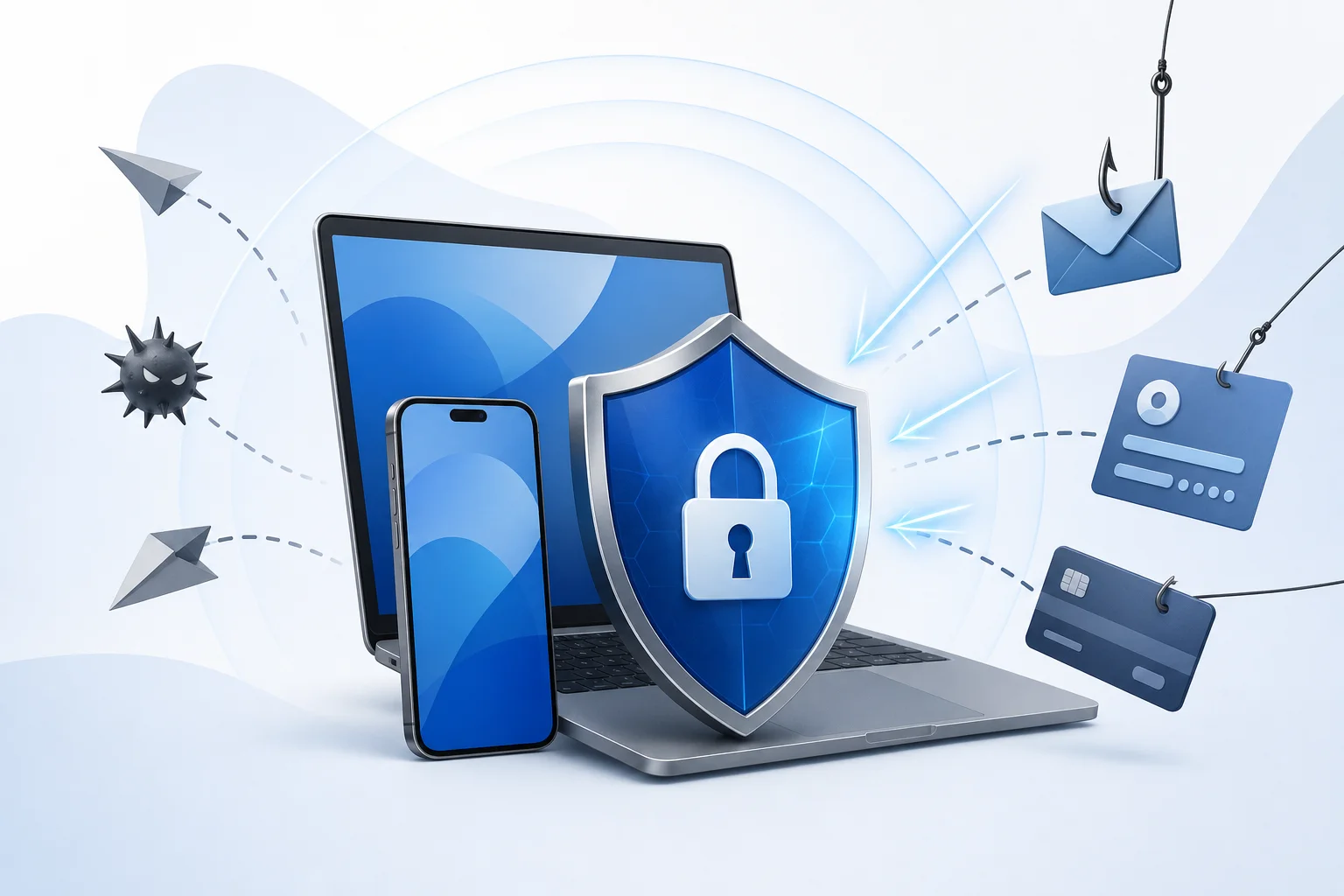
How to seek assistance safely and avoid new fraudsters
Searching for help can itself be a risk. Criminals use advertisements, fake support websites, and accounts of "experts." Therefore, follow a few rules.
First, verify the website address. Banks, government bodies, and major services should have official domains and a secure connection. But the lock icon does not guarantee the website's honesty: it only indicates the presence of a TLS certificate.
Second, do not provide codes from SMS, push confirmations, seed phrases for crypto wallets, or 2FA backup codes. Real support does not need them. If a specialist requires access, use a temporary account with minimal rights or screen sharing without revealing secrets.
Third, document agreements in writing. Even a short email outlining the task, price, timeline, and access boundaries is better than an oral agreement in a messenger.
Fourth, do not agree to illegal actions. "Retaliatory hacking," purchasing databases, installing spyware, and intercepting correspondence can create legal issues for you and not solve the original problem.
Prevention: where to turn before an incident
The best time to seek cybersecurity assistance is before an attack. Prevention is usually easier than recovery.
Private users can start with a consultation on basic digital hygiene: password manager, unique passwords, 2FA, updates, backups, phone protection, and caution with phishing. If you are a public figure or work with sensitive information, it makes sense to undergo a personal security checkup.
Small businesses benefit from:
- auditing access and accounts;
- setting up backups according to the 3-2-1 rule;
- checking the website and CMS;
- training employees on phishing;
- setting up MFA for email, CRM, cloud, and admin panels;
- implementing a basic password and employee termination policy;
- having an incident response plan;
- a contract with a contractor for emergency assistance.
Medium and large organizations also need vulnerability management, network segmentation, event monitoring, recovery testing, privilege control, EDR, cloud activity logging, and regular exercises.
Frequently asked questions about cybersecurity assistance
Where to find free cybersecurity assistance
You can start for free with official service support, bank, provider, software manufacturer knowledge bases, educational projects, and instructions from national CERT/CSIRT. However, complex incidents, hack investigations, and business recovery usually require paid professional help.
Where to turn if your account was hacked
First, use the official account recovery form of the specific service. Then change the password, log out of foreign sessions, enable 2FA, and check related email. If your account was used for sending scams or money was stolen, also contact your bank and law enforcement.
Who helps with cyber fraud
In the case of financial damage, the bank is the first to help. A cybersecurity specialist may assess the technical part, while a lawyer or law enforcement handles the legal aspect. If fraud occurred on a platform, such as a social network or marketplace, also report it to the platform's support.
Can stolen cryptocurrency be recovered
Sometimes transactions can be tracked and information can be forwarded to exchanges or law enforcement. However, recovery cannot be guaranteed. Be wary of services that promise to refund cryptocurrency with advance payments. This is a common type of repeat fraud.
Should a ransom be paid in the case of ransomware
It is not advisable to pay hastily. Payment does not guarantee decryption, does not eliminate the cause of the hack, and may not stop data leaks. First, isolate systems, preserve evidence, check backups, and consult incident response specialists.
How to tell if a cybersecurity specialist is reliable
A reliable specialist explains the work plan, formalizes agreements, does not promise the impossible, does not request secret codes, and does not suggest illegal actions. Verify their experience, reviews, legal information, publications, and their willingness to provide a report.
Where to report a phishing website
Reports can be made to the support of the brand imitating the site, the hosting provider, domain registrar, search engine, browser secure browsing service, and your corporate information security team. If you entered card data or a password, contact the bank or the relevant service immediately.
Conclusion
If you do not know where to find help with cybersecurity, start simple: identify the type of incident, stop the damage, preserve evidence, and contact the correct channel — bank, service support, IT/security team, CERT/CSIRT, a specialized expert, lawyer, or law enforcement. Do not divulge secret codes, do not delete traces, and do not trust promises of guaranteed recovery. The sooner you act calmly and according to plan, the greater your chances of regaining access, minimizing losses, and protecting yourself from future attacks.