Protection against ransomware: practical guide for home and business
Protection against ransomware is essential for anyone who stores important files on a computer, server, NAS, or in the cloud. Such malicious software, also known as ransomware, blocks access to data and demands a ransom for decryption. In this article, we will discuss how ransomware works, what measures effectively reduce the risk of infection, how to set up backups, protect email, remote access, and workstations, as well as what to do if an attack has already occurred.
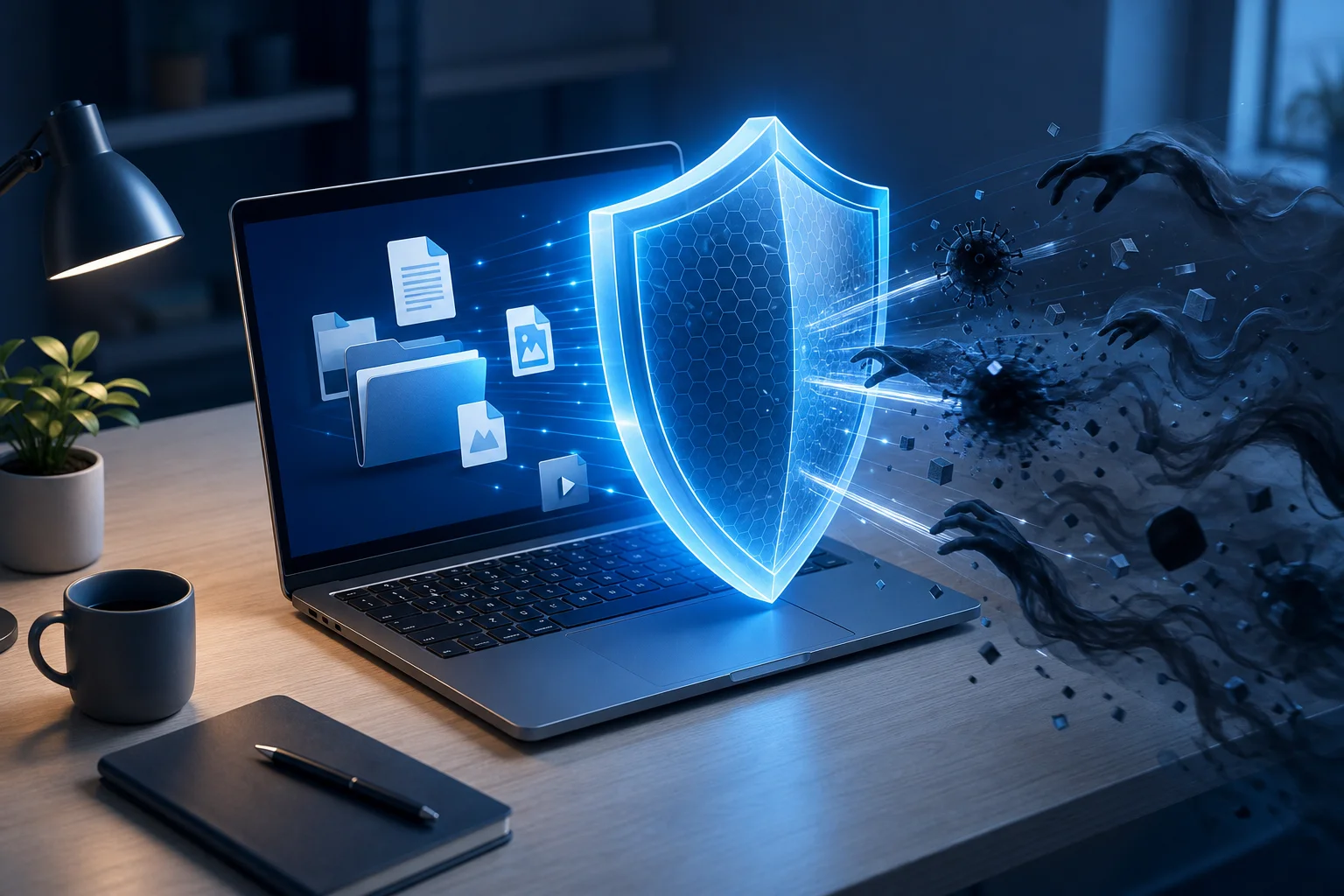
What is ransomware and why is it dangerous?
Ransomware is a malicious program that encrypts files of a user or organization. After that, attackers leave a note demanding a ransom. They usually promise to provide a decryption key after payment. However, there are no guarantees: the key may not work, criminals may disappear, and some data may be corrupted even before encryption.
Modern attacks often do not limit themselves to one infected laptop. Attackers may remain inside a network for days or weeks, searching for servers, backups, accounting databases, documents, email archives, and shared folders. They then initiate encryption simultaneously on many systems. Therefore, protection against ransomware must be comprehensive.
The main danger of ransomware is not just the loss of files. Possible consequences include business downtime, personal data leaks, breaches of contractual obligations, costs for infrastructure recovery, and reputational damage. For the home user, the consequences can also be serious: family photos, documents, school projects, passwords, and archives may disappear.
How ransomware gets onto devices
To build protection, it is important to understand the typical paths of infection. Most attacks start with errors in processes, settings, or user behavior.
Phishing emails and malicious attachments
The most common scenario is an email with an attachment or link. It may look like an invoice, act, notification from a delivery service, message from a bank, or document from a partner. Inside, there is often an archive, an office file with a macro, an executable file, a shortcut, or a link to a fake page.
Even if the email looks convincing, it needs to be verified. Pay attention to the sender's address, the unexpected tone of the message, urgency, strange file extensions, and requests to enable macros. Organizations need not only instructions for this but also technical email filtering.
Vulnerabilities in programs and operating systems
If the system hasn’t been updated for a long time, attackers may exploit known vulnerabilities. This applies to Windows, Linux servers, browsers, email clients, VPN gateways, hypervisors, remote access systems, CMS, and networking equipment.
The danger increases when a vulnerable application is accessible from the internet. For example, an outdated VPN server or web administration panel can become an entry point into the network without user involvement.
Weak passwords and open RDP
Remote desktop, admin panels, SSH, VPN, and cloud accounts should be protected with strong passwords and multifactor authentication. An open RDP with a simple password is a common reason for compromise. After logging in, an attacker can disable protective measures, explore the network, and launch ransomware manually.
Pirated software and suspicious downloads
Cracks, activators, free software builds, and games from unverified sources often contain malicious code. The user themselves runs the file with administrative rights because they expect an "installer" or "activator". As a result, protection is bypassed even before the antivirus has a chance to respond.
Basic principles of protection against ransomware
Reliable protection against ransomware is built on the principle of multiple layers. No single measure provides an absolute guarantee. But together, they significantly reduce the likelihood of a successful attack and simplify recovery.
Use the principle of least privilege
Users should not work under an administrator account every day. Administrative rights are needed only for administrative tasks. If a malicious file runs under a standard user's name, its capabilities will be limited.
In a company, accounts should be divided: a separate regular account for work, and a separate administrative one for settings. Domain administrators should be prohibited from logging onto regular workstations unless necessary.
Keep systems and applications updated
Regular updates close known vulnerabilities. It’s necessary to update not only the operating system but also browsers, office suites, Java, PDF viewers, archivers, VPN agents, server applications, firmware for network devices, and virtualization systems.
For businesses, it is advisable to maintain an asset registry. You cannot protect what you’re unaware of. If there’s an old server, forgotten NAS, or test virtual machine in the network, they can become a weak link.
Enable multifactor authentication
MFA is particularly important for email, VPN, remote access, cloud services, administrative panels, and accounts with elevated privileges. Even if a password leaks, the attacker will require a second factor.
It’s best to use an authenticator app, a hardware key, or push confirmation with additional verification. SMS is better than having no MFA, but this method is less resistant to certain types of attacks.
Limit the execution of unknown programs
Application control policies are useful on workstations. For example, the execution of executable files from download folders, temporary directories, user profiles, and email attachments can be prohibited. In Windows, AppLocker, Windows Defender Application Control, or similar solutions are used for this purpose.
For home users, the minimum measure is to avoid running files from unverified sources and to enable protection against potentially unwanted applications in the antivirus.
Backing up as the first line of defense
If ransomware does activate, backups often become the only quick way to restore data. However, a standard copy on a connected drive or network folder may be encrypted along with the main files. Therefore, backups need to be designed correctly.
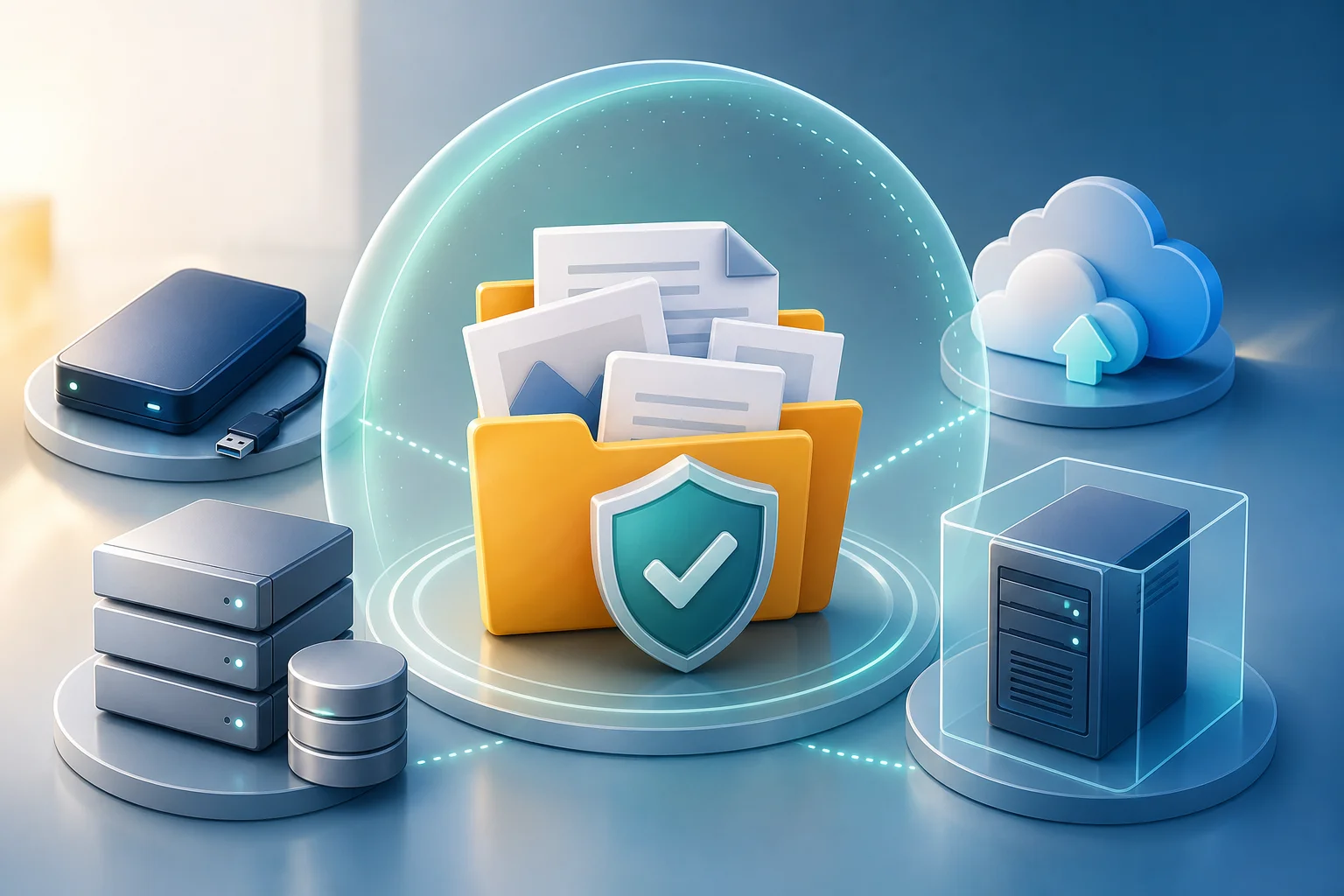
The 3-2-1 backup rule
The classic approach is the 3-2-1 rule:
- Keep at least three copies of the data: one primary and two backup.
- Use at least two different types of media or storage.
- Keep one copy separate from the main infrastructure: offline, in a different cloud account, or in isolated storage.
For protection against ransomware, immutable or offline copies are particularly important. If the backup folder is constantly connected to an infected computer with write permissions, it is vulnerable.
Which backups are resistant to ransomware
Resistance increases with the following approaches:
- offline disks that are connected only during the backup;
- cloud storage with file versioning;
- immutable backup, i.e., immutable copies for a specified period;
- separate accounts for backups with no access for regular users;
- storing copies in another segment of the network;
- regular recovery testing, not just confirmation of the creation of a copy.
It’s important to remember: a backup is only helpful if it can be restored. Therefore, periodically perform test restorations of individual files, databases, and entire systems.
How often to back up data
The frequency depends on how much data you’re willing to lose. A home user may suffice with daily or weekly backups of important folders. Businesses need to determine RPO—acceptable recovery point objective. For example, if the accounting database shouldn't lose more than one hour of work, a daily copy is insufficient.
You also need to determine the RTO—acceptable recovery time objective. If server downtime for two days is unacceptable, prepare a recovery plan, spare equipment, instructions, and responsible employees in advance.
Step-by-step ransomware protection plan
Here is a practical plan that can be used as a checklist. It is suitable for a home computer, small office, and as a foundation for corporate policy.
- Create a list of important data. Identify where documents, databases, photos, projects, emails, keys, certificates, and archives are stored.
- Set up backups based on the 3-2-1 rule. At least one copy should be unavailable for constant writing from the main computer.
- Test recovery. Restore a few files to a separate folder. For businesses, test recovery of critical services.
- Update operating systems and applications. Remove programs that are no longer in use.
- Enable antivirus and ransomware protection. Use current databases, behavioral analysis, and access control to protected folders, if the feature is available.
- Limit users' rights. Don't operate under the admin account constantly. Separate regular and privileged accounts in the company.
- Enable MFA. Start with email, VPN, remote access, cloud services, and administrator accounts.
- Close unnecessary remote access. Do not expose RDP directly to the internet. Use VPN, whitelists, and logging.
- Implement email filtering. Block dangerous attachments, verify links, and disable automatic macro launches.
- Prepare an incident response plan. Write down whom to notify, which systems to disconnect, where backups are located, and how to restore services.
This checklist does not replace a full audit, but it addresses the most common causes of successful attacks.
Comparison of protective measures
| Protective measure | What it helps against | Limitations | Priority |
|---|---|---|---|
| 3-2-1 backups | Data loss after encryption | Does not prevent infection | Very high |
| Software updates | Exploitation of known vulnerabilities | Does not close user errors | Very high |
| MFA | Password theft and access cracking | Does not protect from already infected devices | High |
| Antivirus or EDR | Known threats and suspicious behavior | Does not provide 100% guarantee | High |
| Email filtering | Phishing and malicious attachments | Possibility of misses and false positives | High |
| Rights limitation | Spread of malicious code | Requires process settings | High |
| Network segmentation | Mass infection of servers and PCs | Needs proper architecture | Medium or high |
| User training | Errors when dealing with emails and files | Requires regular repetition | Medium |
Configuring antivirus and EDR
Antivirus remains an important element of protection, but it shouldn't be viewed as the sole measure. Modern ransomware can use legitimate administration tools, scripts, and stolen accounts. Therefore, solutions with behavioral analysis, application launch control, protection against file modification, and centralized monitoring are useful.
What to enable on home computers
On Windows, enable built-in protection, cloud verification, real-time protection, and application reputation control. The controlled folder access feature is also useful if it doesn't interfere with working programs. It limits changes to files in selected directories by unknown applications.
Users of macOS and Linux also need discipline: updates, caution with administrative rights, checking downloaded files, and backups. Ransomware exists for more than just Windows, although Windows remains a common target due to its widespread use in offices.
What is important for businesses
Organizations should consider EDR or XDR solutions that help detect suspicious activities: mass file changes, launching tools for deleting shadow copies, unusual logins, network movement, and script usage. It’s not just about installing the agent, but also about the process of responding to alerts.
If no one analyzes notifications, the protection loses effectiveness. Assign responsible individuals, set up priorities, maintain an incident log, and regularly verify that agents are installed on all workstations and servers.
Protecting email and browsers
Email and browsers are primary working tools, thus popular attack channels. Protection should combine technical settings and clear rules for users.
How to reduce phishing risk
Use antispam and antivirus verification of attachments. Block dangerous file types: executable files, scripts, shortcuts, password-protected archives from unknown sources. Set up link checking if such a function is available in the mail gateway or service.
For domain email, SPF, DKIM, and DMARC are important. These mechanisms do not solve the entire phishing problem but help reduce sender forgery and improve trust in legitimate emails.
Macros and office documents
Macros in documents have long been used to deliver malicious code. In most companies, users do not need to run macros from the internet. Therefore, it is safer to disable them by default and allow only signed macros from trusted sources.
If a document asks to "enable content" to view an invoice or contract, that's a red flag. It’s better to contact the sender through another channel and confirm whether they actually sent the file.
Protecting remote access and network infrastructure
Remote work has become the norm, but it expands the attack surface. Errors in configuring VPNs, RDP, and cloud services can lead to complete network compromise.
Secure RDP and VPN
Do not publish RDP directly to the internet. If remote desktop access is necessary, use VPN, MFA, IP address restrictions, complex passwords, and lockout after failed login attempts. Login logs should be reviewed, especially for administrative accounts.
VPN servers also need updates. Vulnerability in a VPN gateway is dangerous as it provides the attackers with access inside the network. Stay updated with manufacturer bulletins and apply patches without lengthy delays.
Network segmentation
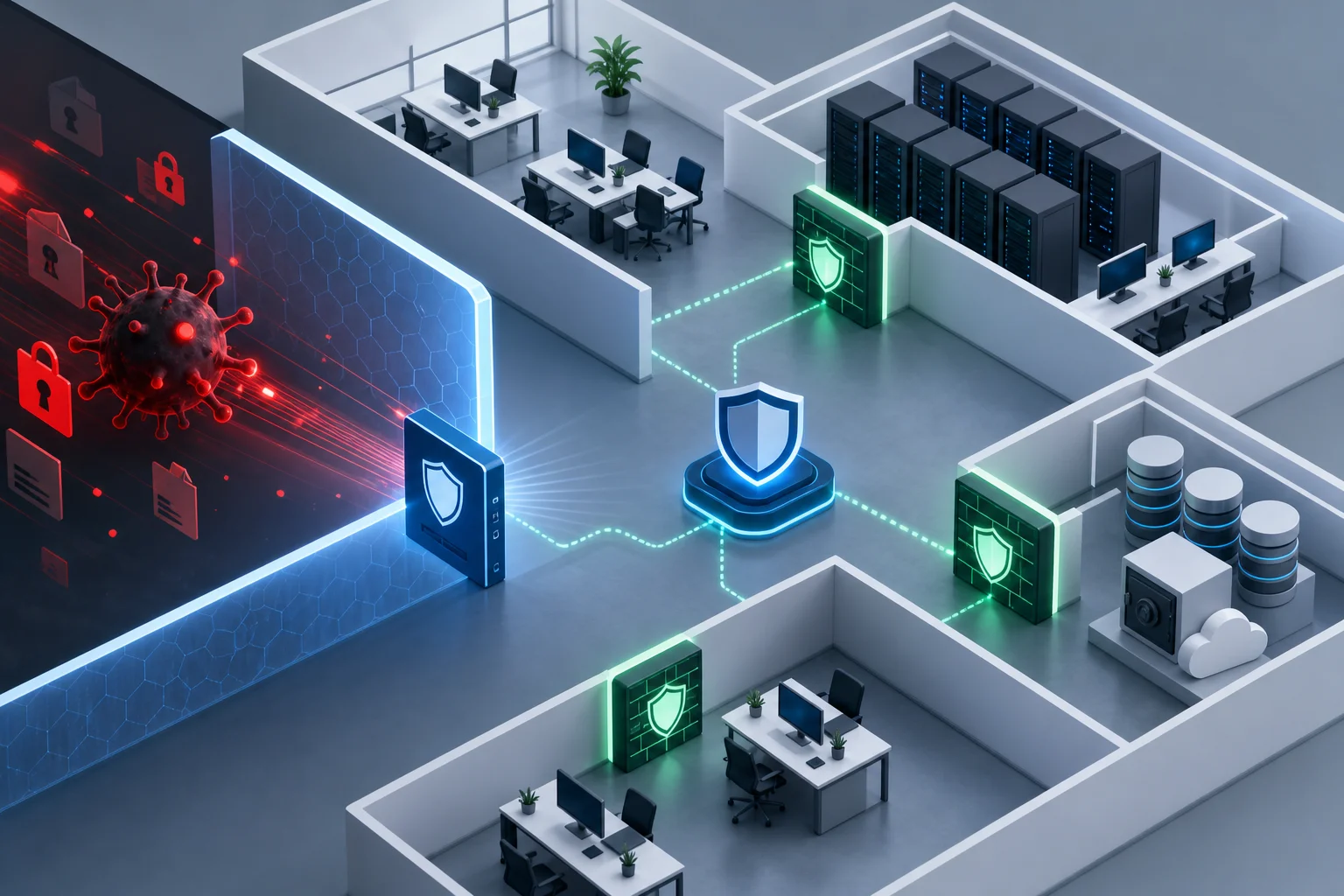
In a flat network, an infected workstation can see too many resources. Segmentation limits the spread of an attack. For example, user computers should not have direct access to administrative server interfaces, backup storage, and management networks.
For a small office, this could mean dividing into VLANs for users, servers, guest Wi-Fi, and backup storage. For a large organization—a more detailed model with firewalls, access lists, and traffic monitoring.
What to do if ransomware is already running
If you notice strange file extensions, a ransom note, mass renaming of documents, or a sudden slowdown of the system, act quickly. At this moment, it is important not to exacerbate the situation.
Initial actions upon infection
- Disconnect the device from the network. Unplug the network cable, turn off Wi-Fi and VPN. Don’t shut down the computer immediately if there's a chance of preserving data for investigation.
- Isolate shared folders and servers. If an infection occurs in a company, restrict inter-segment access within the network and disable suspicious accounts.
- Do not connect backup disks. If ransomware is active, it may encrypt them as well.
- Photograph or save the ransom note. This will help identify the family of the malware.
- Notify responsible parties. In the organization, it's necessary to notify IT, security service, management, and, if necessary, the legal department.
- Check other devices. One infected PC may be just the visible part of an incident.
- Start recovery only after cleaning. Otherwise, restored files may be encrypted again.
Should you pay the ransom?
Paying the ransom does not guarantee data recovery. Moreover, paying supports the criminal model and may not resolve the issue of data leaks. In some cases, payments may create legal risks, especially if the recipient is listed on sanction lists or affiliated with banned groups.
Before making any decisions, evaluate the availability of backups, the scale of infection, legal requirements, and recommendations from industry specialists. If it's about a company, it's better to involve incident response professionals and lawyers.
Is it possible to decrypt files for free?
Sometimes free decryptors exist for specific families of ransomware. This is possible if a flaw is found in the ransomware or law enforcement obtains keys. However, this should not be relied upon.
Check reliable sources, such as ransomware fighting projects and websites of well-known antivirus companies. Do not download "decryptors" from forums and random sites. Often, new malware is distributed under the guise of help.
Common mistakes in ransomware protection
Even with antivirus and backups, organizations and users make repeated mistakes.
Storing backups on the same network
If the backup is in a shared folder with write access for regular users, ransomware can destroy it as well. Isolated copies, separate permissions, and versioning are needed for critical data.
Lack of test recovery
Many know about non-working backups only after an attack. Reasons vary: not all folders were copied, the database was in an inconsistent state, keys were missing, the license expired, or the media was damaged. Regular recovery testing is mandatory.
One password for different services
Reusing passwords creates a domino effect. A leaked password from one site puts email, VPN, and cloud accounts at risk. Use a password manager and unique long passwords for each service.
Ignoring logs and alerts
Unusual logins at night, numerous authentication errors, disabling protective services, mass deletion of shadow copies, and network scanning are important signs of an attack. If they are not tracked, encryption may become the final stage of a long-standing breach.
Practical recommendations for home users
Home protection can be simple, but it should be set up in advance.
- Store important files in folders that are included in backups.
- Use an external drive and disconnect it after the copying is complete.
- Enable versioning in cloud storage if available.
- Update Windows, macOS, browsers, and office applications.
- Do not disable antivirus when installing suspicious programs.
- Do not open attachments from unknown senders.
- Check file extensions. For example,
document.pdf.exeis not a PDF file. - Use a password manager and MFA for email.
- Create a separate account without administrative rights for day-to-day work.
These measures do not require complex infrastructure but significantly increase resilience to infection and data loss.
Practical recommendations for businesses
For companies, not only individual tools are important but also a managed process. Start with a risk assessment and critical services.
Organizational measures
Assign system and data owners. Describe which services are critical, who is responsible for backups, who makes decisions during an incident, and how to contact contractors. Prepare a response plan in an understandable format so that it can be used in stressful situations.
Regularly train employees. Training should be short and practical: how to recognize phishing, where to report suspicious emails, why macros should not be enabled, and what to do when unfamiliar files appear.
Technical measures
Implement centralized management of updates, antivirus, password policies, and logs. Limit local administrators. Set up MFA for all external services. Conduct an inventory of public resources and close unnecessary ports.
For critical servers, use separate network segments, immutable backups, integrity monitoring, and logging of administrator actions. Ensure backup accounts are not used for regular system login.
FAQ: common questions about ransomware protection
Which antivirus best protects against ransomware?
The best choice depends on your system, budget, and requirements. The product name is less important than real-time protection included, behavioral analysis, regular updates, control of application launches, and the ability to quickly respond to alerts. EDR features and centralized management are useful for businesses.
Does cloud storage help against ransomware?
Yes, if the cloud has version history and recovery of deleted files. However, synchronization alone is not a complete backup. If ransomware changes files on the computer, encrypted versions may synchronize to the cloud. Therefore, check the retention periods of versions and the ability for mass rollback.
Can the risk of infection be completely eliminated?
The risk cannot be completely removed. It is possible to reduce the likelihood of an attack and prepare for recovery. In practice, resilience is more important: updates, MFA, rights limitation, email filtering, backups, and incident response plans.
What to do with an infected computer after files are restored?
First, ensure that the malware is removed and the entry point is closed. In a reliable scenario, the system is either reinstalled or restored from a clean image, passwords changed, other devices checked, and only then is data restored from backup.
Should you disconnect the internet when suspecting ransomware?
Yes, the infected device needs to be isolated from the network as soon as possible. This helps stop spreading across shared folders and servers. However, do not randomly delete files or run random utilities before consulting with a specialist if the data is critical.
Minimum checklist for today
If time is short, start with actions that provide quick effects:
- check if there's a current backup of important files;
- disconnect the backup disk after copying;
- enable MFA for email and remote access;
- update the system and browser;
- uninstall unnecessary programs;
- prohibit running under an administrator without necessity;
- check if RDP is open to the internet;
- enable antivirus protection and do not disable it;
- warn employees or family members about phishing emails;
- write down a simple action plan for infections.
These steps can be taken without complex purchases. Then proceed to more mature measures: network segmentation, EDR, centralized logging, application control policies, and regular drills.
Conclusion
Protection against ransomware works only as a system: backups, updates, MFA, rights limitation, secure email, protected remote access, and a clear response plan. Start with an inventory of important data and set up backups according to the 3-2-1 rule, then close the most risky entry points. The sooner you implement these measures, the greater the chance to survive an attack without ransom, panic, and prolonged downtime.