The best antivirus programs against ransomware: how to choose protection against ransomware
The best antivirus programs against ransomware are not just highly rated programs in tests. Good protection against ransomware must block malicious files before they run, detect suspicious encryption of documents, protect folders, roll back changes, and help recover after an attack. In this article, we will explore which solutions are suitable for home users, small businesses, and companies, what features to look for, and how to set up protection so that antivirus is not the only barrier.
Ransomware has become dangerous because it acts quickly. It searches for documents, photos, databases, archives, and network folders, encrypts them, and demands a ransom. Sometimes attackers also steal data and threaten to publish it. Therefore, the choice of antivirus is important, but even more important is a comprehensive approach: updates, backups, permission restrictions, and caution with attachments.
What is ransomware and why regular protection may not be enough
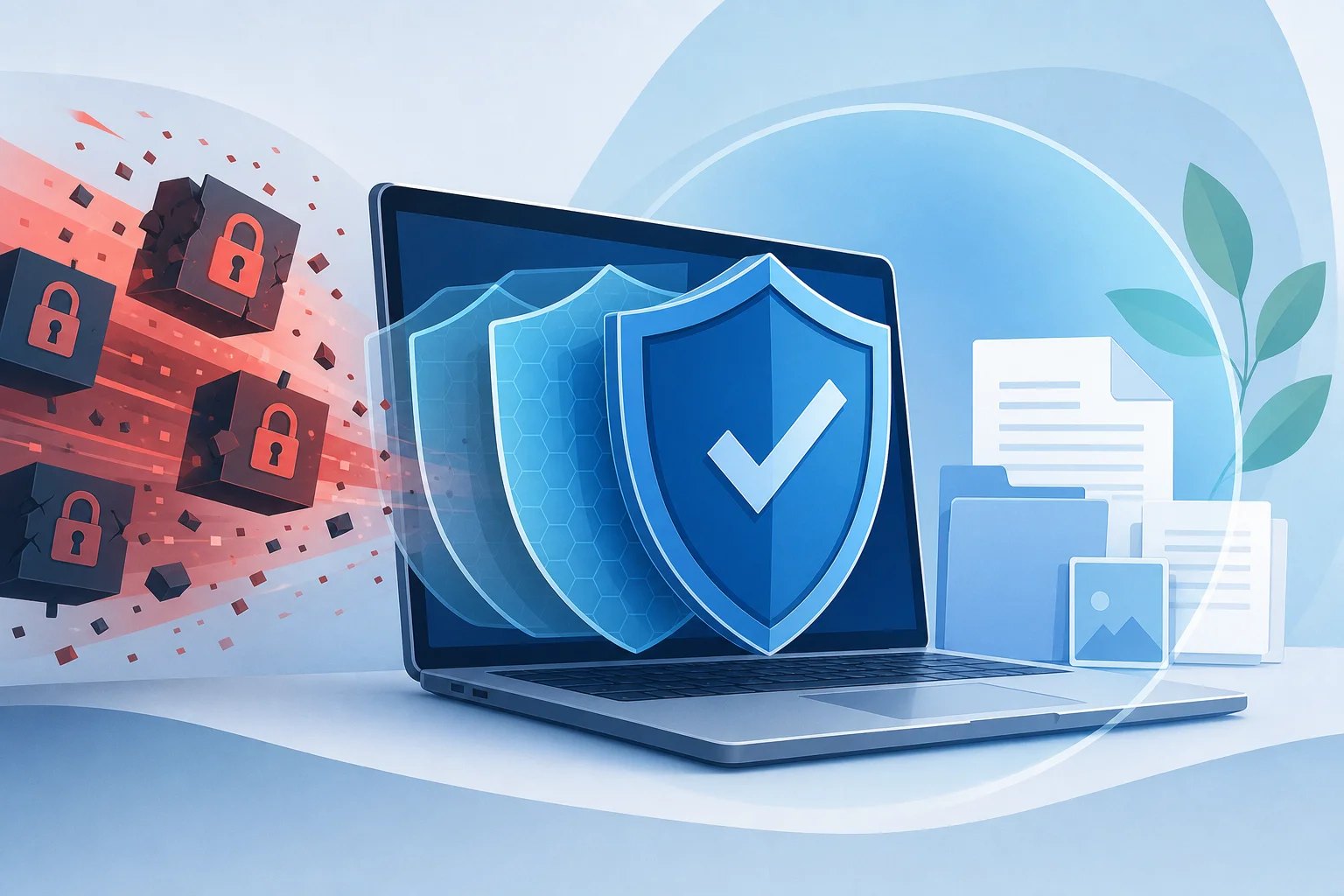
Ransomware is malware that blocks access to a system or encrypts files. In most modern attacks, the target is data. After infection, users see a note demanding payment for the decryption key.
Regular antivirus can stop known samples by signature. However, new variants of ransomware often change code, use legitimate system tools, and try to disable protection. Therefore, modern antivirus against ransomware must combine several levels:
- signature detection of known threats;
- behavioral analysis of suspicious actions;
- cloud reputation of files and URLs;
- access control to important folders;
- protection against exploits and malicious macros;
- rollback of changes or recovery of file copies;
- protection of accounts and network resources.
In other words, it’s not just important to find the virus. It's necessary to stop the attack chain: phishing emails, malicious websites, scripts, PowerShell execution, mass file changes, and spreading across the network.
Criteria for choosing antivirus against ransomware
Before purchasing or installing protection, evaluate not the advertising, but specific capabilities. This is especially important for laptops with work documents, home PCs with family archives, and small business computers.
Behavioral protection against ransomware
The main criterion is the ability to recognize mass encryption and other dangerous actions. A good product detects when an unknown program rapidly opens and modifies many files, creates encrypted copies, deletes Windows shadow copies, or tries to stop security services.
Behavioral protection is particularly useful against new ransomware that is not yet in databases. When an alert is triggered, the antivirus should block the process and ideally restore the affected files.
Protected folders and access control
The protected folders feature prevents unknown applications from changing important files. Usually, the user selects directories with documents, photos, projects, databases, and accounting. This reduces the risk that malware will encrypt the most valuable assets.
In Windows, a similar feature exists in Microsoft Defender called "Controlled folder access." In third-party antivirus programs, it may be called ransomware shield, safe files, folder protection, or something similar.
Protection against phishing and malicious websites
Many infections do not start with a "virus from nowhere," but with an email, fake invoice, archive, cloud link, or page with a fake update. Thus, web protection, anti-phishing, and attachment checks are as important as file scanners.
A good antivirus warns about malicious domains, blocks the download of unsafe files, and checks links in the browser. For businesses, mail filtering and sandboxing for attachments are additionally useful.
Protection against exploits and macros
Ransomware often exploits vulnerabilities in browsers, office suites, archivers, VPN gateways, and remote access. Therefore, protection against exploits is crucial: it blocks suspicious program behavior even without an existing signature.
Settings that restrict macros in Office documents, running scripts from temporary folders, and misuse of PowerShell are also helpful. In corporate solutions, these policies are usually more flexible.
File recovery and rollback of changes
Some products create temporary copies of files before changes or use journaling. If ransomware manages to encrypt part of the data, the protection may roll back changes. This doesn’t replace a complete backup, but it offers an additional chance.
It’s important to understand the limitation: if ransomware gains admin rights, disables protection, or deletes local copies, recovery may not work. Therefore, backups are still essential.
Usability, load, and transparent settings
Overly complex protection often remains misconfigured. For home users, clear notifications, automatic updates, and minimal load are important. For businesses—centralized console, reports, policies, device control, and the ability to quickly isolate an infected computer.
The best antivirus programs against ransomware for different tasks
Below is a practical overview of popular solutions. This is not a universal ranking from "first to last" because the best choice depends on the system, budget, risk level, and management requirements. When comparing, it is useful to look at recent tests from AV-Test, AV-Comparatives, SE Labs, and results from independent trials.
Microsoft Defender for Windows
Microsoft Defender is integrated into Windows 10 and Windows 11. For many home users, it is a basic and reasonable option, especially if the system is regularly updated. It includes antivirus protection, cloud scanning, SmartScreen, phishing protection in Microsoft Edge, and controlled folder access.
Strengths:
- does not require a separate purchase;
- well integrated with Windows;
- automatically updates through the system;
- supports folder protection against unauthorized changes;
- suitable as an entry-level protection.
Limitations:
- some features need to be manually enabled;
- phishing protection is better revealed in the Microsoft ecosystem;
- for businesses, advanced features are available in Microsoft Defender for Endpoint, not in the home version.
Microsoft Defender is worth considering for those who do not want to install third-party packages but are willing to enable additional security options and regularly back up data.
Bitdefender
Bitdefender is often chosen for its strong multi-layered protection, good automation, and moderate load. Consumer versions include ransomware protection, web filtering, anti-phishing, payment protection, and additional privacy tools. For companies, managed solutions with EDR features are available.
Strengths:
- advanced behavioral analysis;
- separate protection mechanisms for important files;
- good web protection;
- clear work profiles;
- corporate versions with centralized management.
Limitations:
- some features depend on the chosen plan;
- additional modules may be excessive for those who only need antivirus;
- check the availability terms in your region before purchasing.
Bitdefender is suitable for users who need "install and forget" protection, as well as for small companies that require managed security without complex deployment.
Kaspersky
Kaspersky is known for its strong malware detection technologies, exploit protection, program activity control, and specific anti-ransomware capabilities. Home products include file protection, web protection, anti-phishing, and safe payments. In the business line, centralized management, device control, and advanced workstation protection are available.
Strengths:
- advanced application behavior control;
- file encryption protection features;
- clear settings for home users;
- mature tools for small and medium-sized businesses.
Limitations:
- in some countries and organizations, there may be internal restrictions on using the product;
- it is important to consider compliance and trust requirements for the vendor;
- the feature set varies by version.
Kaspersky can be a strong option for users who need detailed protection for work files and a clear interface. Organizations should also evaluate legal and industry requirements.
ESET
ESET is often chosen for its lightness, neat operation, and flexible settings. ESET products include ransomware protection, web control, anti-phishing, HIPS, device control, and protection against network attacks. For businesses, there is a management console and solutions for workstations and servers.
Strengths:
- low system load;
- flexible HIPS rules for experienced users;
- protection against malicious websites and network attacks;
- convenient corporate policies.
Limitations:
- some fine-tuned settings may be complex for beginners;
- maximum effectiveness requires proper configuration;
- post-encryption recovery options may not always be as noticeable as those of some competitors.
ESET is well suited for those who want a lightweight antivirus with strong behavior control and do not like overloaded security packages.
Sophos
Sophos is particularly interesting for businesses. Its solutions focus on managed endpoint protection, exploit prevention, ransomware blocking, and detection of complex attacks. The home version, Sophos Home, also exists, but the main advantages are revealed in a corporate environment.
Strengths:
- powerful exploit protection;
- CryptoGuard features for encryption detection;
- centralized management;
- MDR and EDR options for companies;
- good isolation of infected devices in business scenarios.
Limitations:
- the interface may be less familiar for home users;
- business capabilities require implementation and administration;
- cost depends on the package and number of devices.
Sophos should be considered by companies where not only virus blocking matters but also incident response.
Malwarebytes
Malwarebytes is often used as an additional layer of protection or as a tool to clean an infected system. Modern versions include real-time protection, web protection, exploit protection, and ransomware protection. The product is convenient when you need to enhance protection without complex configurations.
Strengths:
- good reputation as a malware removal tool;
- user-friendly interface;
- protection against malicious websites and exploits;
- can be useful as a second layer in certain scenarios.
Limitations:
- does not always replace full corporate endpoint security;
- simultaneous use with another antivirus needs to check for compatibility;
- businesses may lack extended analytics without the appropriate plans.
Malwarebytes is useful for home users and specialists who need a simple additional tool against malware.
Trend Micro
Trend Micro offers home and corporate solutions with a strong focus on web protection, anti-phishing, machine learning, and ransomware protection. Business products include endpoint security tools, email security, and XDR.
Strengths:
- good protection against web threats;
- folder and file protection features;
- advanced email and business solutions;
- useful tools against phishing.
Limitations:
- the feature set varies by plans;
- sometimes products can be more noticeable in load on weak PCs;
- proper configuration of policies is important for maximum benefit.
Trend Micro is suitable for those whose main risk is phishing, malicious links, and email infections.
Norton
Norton offers comprehensive security packages for home users: antivirus, web protection, firewall, ransomware protection, password manager, and backup in some plans. This is an option for those who want a single package with several features.
Strengths:
- comprehensive protection for families;
- user-friendly interface;
- web protection and anti-phishing;
- additional features like cloud backup in separate plans.
Limitations:
- many additional services that not everyone needs;
- subscription terms should be read carefully;
- businesses often choose other specialized platforms.
Norton can be convenient for home PCs, especially if the user needs not only antivirus but also additional security services.
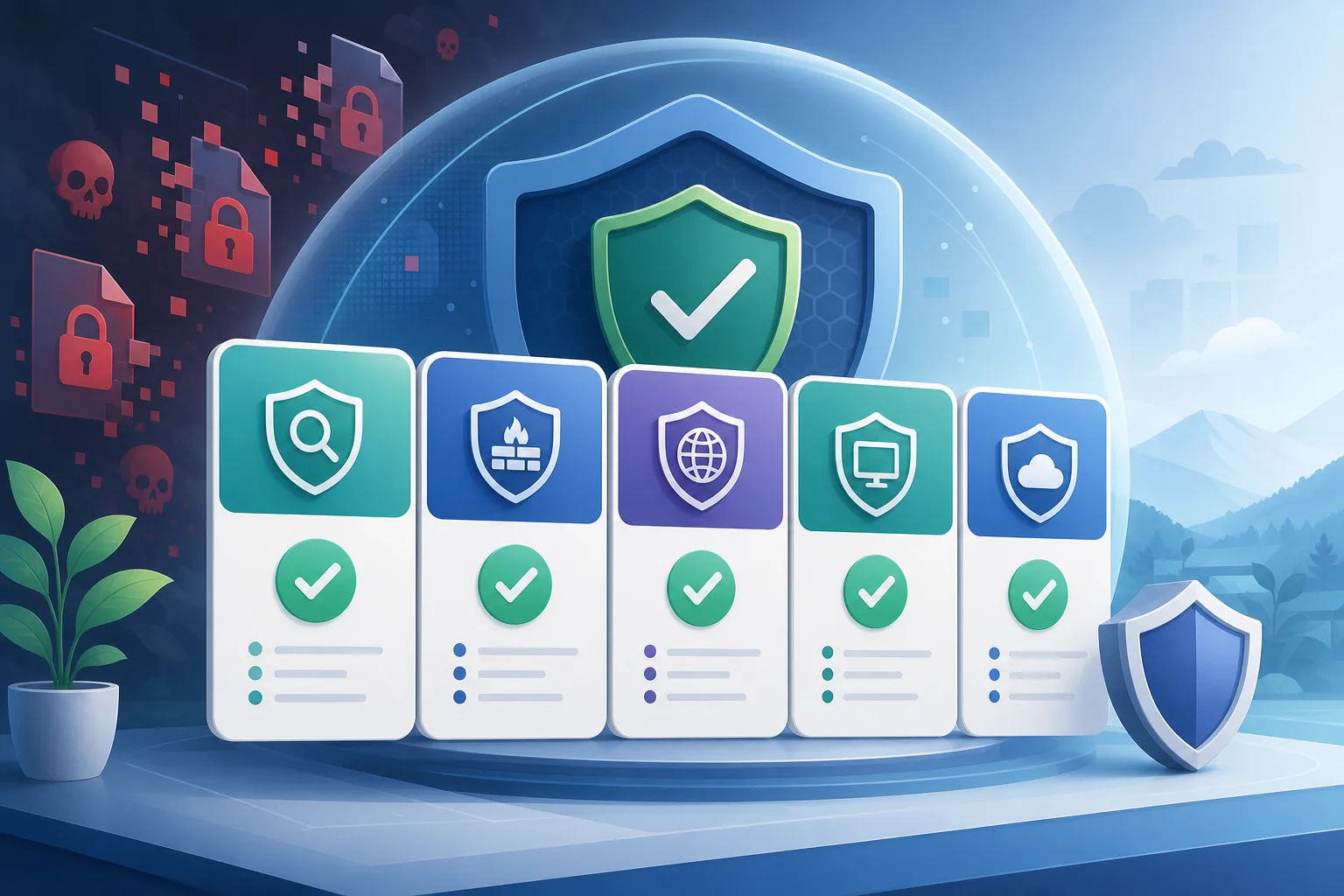
Comparison of antivirus solutions against ransomware
This table will help quickly compare solutions for typical scenarios. Before purchasing, check the current features of a specific version: providers regularly change the names of plans and package contents.
| Solution | Best suited for | Strengths against ransomware | What to pay attention to |
|---|---|---|---|
| Microsoft Defender | Home users of Windows, basic protection | Controlled folder access, cloud scanning, integration with Windows | Additional features need to be enabled and configured |
| Bitdefender | Home, small business | Behavioral protection, file protection, strong web protection | Features depend on the plan |
| Kaspersky | Home, small and medium business | Activity control, exploit protection, anti-ransomware | Consider regional and corporate limitations |
| ESET | Users who need lightness and flexibility | HIPS, network attack protection, low load | Complex settings require experience |
| Sophos | Business and managed protection | CryptoGuard, EDR/MDR, exploit protection | Requires administration |
| Malwarebytes | Additional protection and cleaning | Ransomware, exploits, and malicious website protection | Check compatibility with a second antivirus |
| Trend Micro | Email, web threats, business | Anti-phishing, file protection, email security | Policy setup is important |
| Norton | Home users and families | Comprehensive package, web protection, backup in separate plans | Watch subscription terms |
How to choose antivirus against ransomware step by step
If you need to make a quick decision, use a simple algorithm. It is suitable for a home PC, freelancer's laptop, or a small company.
- Determine the value of the data. If the device only has games and cloud documents, the risk is one thing. If it has accounting, client databases, or a family archive for ten years, the requirements are higher.
- Check the current protection. In Windows, ensure Microsoft Defender is enabled, databases are updated, SmartScreen is working, and controlled folder access is configured.
- Decide if third-party products are needed. If you want more features, choose a solution with behavioral protection against ransomware, web filtering, and folder protection.
- Compare independent tests. Look not only at the overall detection percentage but also at real-time protection tests, false positives, and load.
- Check recovery features. Find out if the product can roll back changes after malicious encryption or create protected copies of files.
- Evaluate management. A simple interface is enough for a single PC. For five or more workstations, it's better to select a solution with a console, reports, and policies.
- Set up protected folders. Add directories with documents, photos, projects, databases, and work files.
- Make a backup. Before installing a new product, set up a backup according to the 3-2-1 rule: three copies, two types of media, one copy off the main device.
- Conduct a trial period. Check if the antivirus interferes with work programs, 1C, CAD software, games, VPN, and cloud clients.
- Update protection and the system. Even the best antivirus is weaker if Windows, the browser, Office, and remote access have not received patches for a long time.
How to set up protection against ransomware in Windows
Even without purchasing a paid package, you can significantly enhance security. Start with the basic settings that close common attack scenarios.
Enable controlled folder access
In Windows, open "Windows Security," go to the virus and threat protection section, then into the ransomware protection settings. Enable controlled folder access and add important directories.
After enabling it, look for notifications. If a legitimate program cannot save a file, add it to the allowed list. Don’t allow unknown applications simply because they "interfere with work."
Limit user privileges
Work under a regular user account, not an administrator. For installing programs, use a separate administrator password. This simple rule prevents malware from disabling protection and changing system settings.
In a company, apply the principle of least privilege. A user should only have access to the folders and network resources that are necessary for their work.
Disable dangerous auto-runs and macros
Macros in office documents remain a popular way to infect systems. Disable automatic running of macros from the internet. Don't open documents that require "enable content" unless you're sure about the sender.
Also restrict script execution from temporary folders and archives. In a business environment, this can be done through group policies, Microsoft Intune, or endpoint security tools.
Close remote access vulnerabilities
RDP, poorly secured VPNs, and old servers often become entry points for attacks. Use multi-factor authentication, complex passwords, IP access restrictions, and regular updates.
If remote desktop is not needed, turn it off. If it is, avoid publishing RDP directly to the internet without additional security measures.
Why backups are more important than paying ransoms
Antivirus reduces risk but does not provide absolute guarantees. Therefore, backups are the main way to avoid dependency on attackers. Paying a ransom is risky: there’s no guarantee that the decryption key will be sent, that it will work, or that stolen data won’t be published.
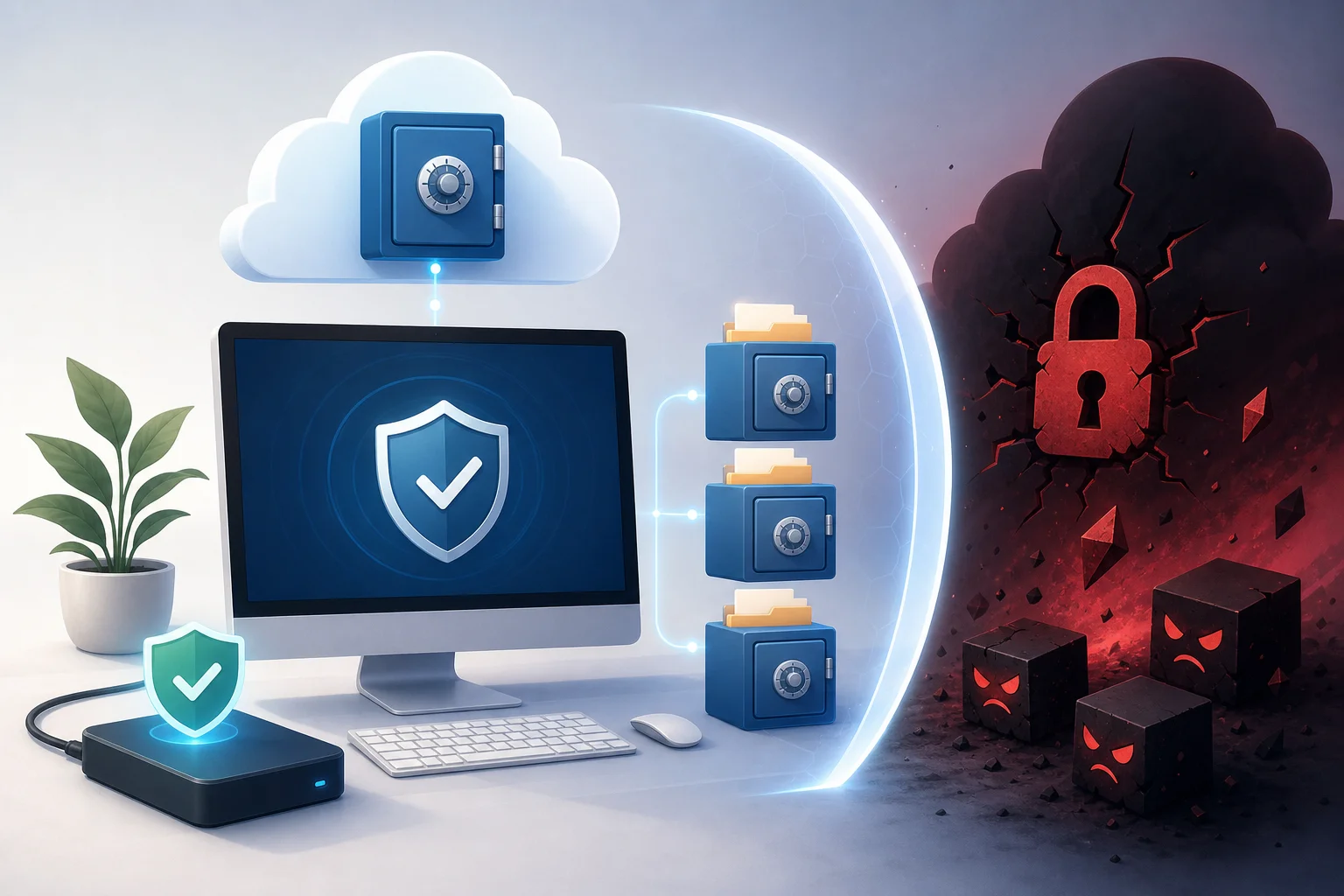
A reliable backup strategy is built like this:
- 3 copies of data: one working version and at least two backups;
- 2 different media: for example, an external drive and cloud storage;
- 1 copy outside the main system: an offline drive, immutable backup, or cloud with versioning;
- regular recovery checks: a copy is useless if files cannot be restored from it;
- separate accounts: ransomware should not have access to managing backups.
For home use, an external drive that connects only during copying and a cloud with version history are suitable. For businesses, it’s better to use backups with immutable copies, separated rights, and error monitoring.
Common mistakes in ransomware protection
Many infections occur not because of a lack of antivirus but due to weak habits and incorrect settings. Here are mistakes to correct first.
Relying solely on antivirus
Even the best antivirus against ransomware does not replace updates, backups, and permission restrictions. If a user runs attachments from unknown emails under an administrator account, the risk remains high.
Storing backups on a constantly connected drive
If an external drive is always connected, ransomware can encrypt it as well. Connect the drive only during copying or use a system where backups are not accessible to regular users for writing.
Using identical passwords and lack of MFA
If an attacker obtains a password from email or VPN, they can access the system without malware. Use a password manager and multi-factor authentication for email, cloud, remote access, and admin accounts.
Ignoring updates
Old versions of Windows, browsers, Java, archivers, and office suites increase the risk of infection. Updates close vulnerabilities that are used in real attacks.
Too broad network permissions
If one user has access to all shared folders, infection of their computer can damage data for the entire company. Divide permissions by roles and regularly check accesses.
Antivirus for home users, freelancers, and businesses: what to choose
The choice depends on what data you are protecting and who will administer the system.
For the home user
If you have Windows 10 or Windows 11, start with Microsoft Defender, enable folder protection, and set up backups. If you want a more convenient comprehensive package with enhanced web protection, consider Bitdefender, Kaspersky, ESET, Norton, or Trend Micro.
The main thing is not to install multiple full-fledged antivirus programs simultaneously. They can conflict, slow down the system, and interfere with each other. The exception is specialized second opinion tools if they are compatible and do not duplicate continuous protection.
For freelancers and self-employed individuals
For freelancers, client documents, projects, contracts, and accesses are important. Choose a product with folder protection, anti-phishing, and minimal load. Good candidates are Bitdefender, ESET, Kaspersky, Microsoft Defender with proper configurations, or Norton, if a comprehensive package is needed.
Independently protect clouds, email, and messengers. Enable MFA, use a password manager, and store project copies outside the main laptop.
For small businesses
Small businesses should choose not home licenses but endpoint security with a centralized console. Policies, reports, remote device isolation, USB control, and server protection are important. Consider Sophos, Bitdefender GravityZone, ESET PROTECT, Kaspersky Endpoint Security, Trend Micro, or Microsoft Defender for Business.
Also, check email protection, as phishing remains a common entry point. For critical data, set up backups with immutable copies and regular recovery tests.
For companies at increased risk
If a company has servers, remote employees, client personal data, or continuous business processes, regular antivirus is insufficient. EDR or XDR, event monitoring, incident response, network segmentation, and a recovery plan are necessary.
In this case, consider managed MDR services, internal response policies, and employee training. Antivirus becomes part of the system rather than the only protection.
FAQ: answers to common questions about ransomware protection
Which antivirus provides the best protection against ransomware?
There is no single best option. For home use, often Microsoft Defender with enabled folder protection or a paid package like Bitdefender, Kaspersky, ESET, Norton, or Trend Micro is sufficient. For businesses, it is better to choose managed solutions: Sophos, Bitdefender GravityZone, ESET PROTECT, Kaspersky Endpoint Security, Trend Micro, or Microsoft Defender for Business.
Can antivirus decrypt files after an attack?
Usually no. Antivirus can remove malware, stop further encryption, and sometimes roll back changes. But decryption depends on the specific ransomware, errors in its code, and the availability of keys. First, check free decryptors from well-known projects and vendors, but do not rely on them as a primary plan.
Is it worth paying a ransom for decryption?
Paying a ransom is not recommended. There is no guarantee that criminals will send a working key or won’t demand money again. Moreover, payment supports the criminal scheme. It’s safer to have backups, a recovery plan, and consult with incident response specialists.
Will a free antivirus protect against ransomware?
A free antivirus can protect against many threats, especially if it is regularly updated. But free versions often have fewer features: there’s no advanced folder protection, centralized management, mail protection, or rollback of changes. For important work data, it’s better to consider paid protection and ensure to set up backups.
Should I install two antivirus programs simultaneously?
Usually no. Two full-fledged antivirus programs with continuous protection can conflict. It’s better to choose one primary product, configure it correctly, and if necessary, use a compatible "second opinion" scanner without constant monitoring.
How to know if a computer is infected with ransomware?
Signs include mass file extension changes, ransom note appearances, inability to open documents, high disk load, and strange processes. If you notice such symptoms, disconnect the computer from the network and the internet, avoid rebooting unnecessarily, and consult with an IT specialist.
What to do in the first minutes after infection?
Disconnect the device from the network: unplug the Ethernet cable, turn off Wi-Fi and VPN. Do not connect backup drives. Take a photo of the ransom note, note the changed extensions, and seek help from an IT specialist. Then check other devices and begin recovery from clean backups.
Conclusion: which option to choose right now
If you need a quick and practical choice, proceed as follows: on a home PC, enable Microsoft Defender, controlled folder access, and backup; if at increased risk, choose a paid product with behavioral protection against ransomware, such as Bitdefender, Kaspersky, ESET, Trend Micro, or Norton; for businesses, implement managed endpoint security with EDR/MDR capabilities, such as Sophos, Microsoft Defender for Business, Bitdefender GravityZone, ESET PROTECT, or a similar solution. Then, make sure to configure backups according to the 3-2-1 rule, updates, MFA, and access rights. Start with these steps today: check your protection, add important folders, create a backup, and test recovery.