How to choose antivirus against ransomware and protect files
Choosing antivirus against ransomware is not just about program ratings. It's important to understand how ransomware works, which functions genuinely reduce the risk of data loss, and why just having antivirus installed is not enough. In this article, we will analyze the key criteria for selection, compare protective technologies, show a step-by-step algorithm for checking products, and provide a practical checklist for home and small business use.
Ransomware is a malicious program that locks access to files or systems and demands a ransom. Most attacks begin with a phishing email, infected attachment, vulnerabilities in remote access, pirated software, or compromised accounts. A good antivirus should stop the threat before encryption, notice suspicious behavior during an attack, and help recover data if some files have already been affected.
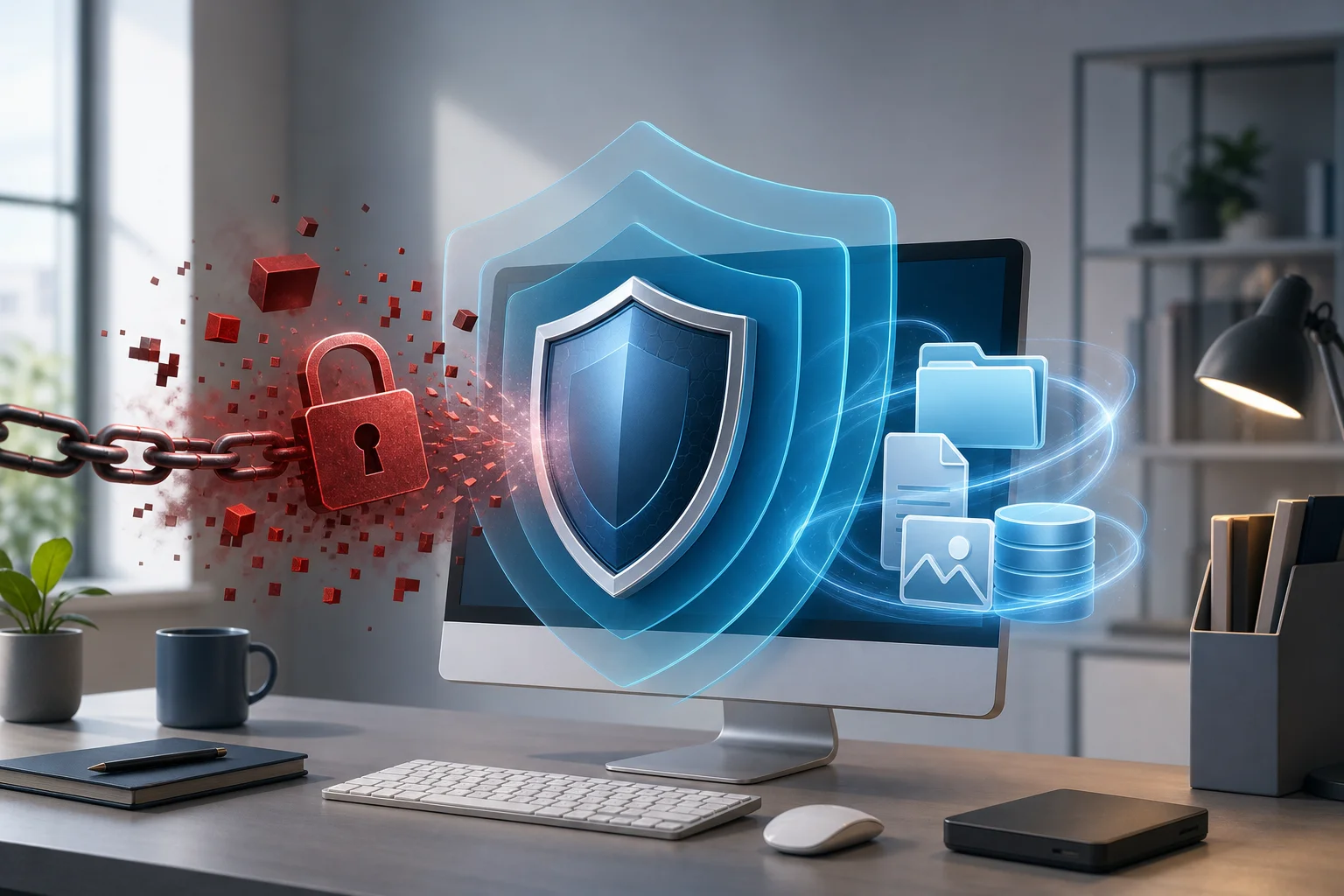
Why ransomware is more dangerous than regular viruses
A regular malicious file can often be deleted without serious consequences. Ransomware is more complicated. Its goal is to quickly change your documents, photos, databases, archives, and working files so that opening them without a key is impossible or extremely difficult.
The main problem is that damage occurs very quickly. If protection activates a few minutes later, part of the data may already be encrypted. Additionally, modern attacks increasingly involve double extortion: attackers not only encrypt files but also threaten to publish stolen information.
Therefore, when choosing an antivirus against ransomware, one should look not for just a pretty protection button, but for a set of functions: infection prevention, behavior control, folder protection, exploit blocking, mail and web link filtering, backup, and convenient recovery.
What antivirus against ransomware should be capable of
Reliable protection against ransomware is built in layers. Each layer addresses its own attack scenario. If one mechanism fails to detect a threat, the next one should limit the damage.
Behavioral analysis and anti-ransomware module
Signatures help find known viruses. But new ransomware often changes its code, packaging, and file names. Therefore, behavioral analysis is critically important.
Antivirus should track actions characteristic of ransomware:
- mass file changes in a short time;
- attempts to overwrite documents and archives;
- creation of encrypted copies while deleting originals;
- access to numerous user folders;
- disabling system protection services;
- attempts to delete Windows shadow copies;
- running from temporary folders, macros, or suspicious scripts.
A good anti-ransomware module does not merely display a warning. It should stop the process, quarantine the file, and, if possible, revert changes.
Protection of important folders
The folder access control function limits applications that can modify documents, images, spreadsheets, and other valuable files. This is useful if an unknown program attempts to encrypt the contents of a directory.
When choosing, check whether it is possible to:
- add your own folders to the protected list;
- manually allow trusted applications;
- receive clear notifications about blocked actions;
- set rules without complicated terminology;
- protect network folders if they are used in the office.
For home users, this function reduces the risk of losing personal files. For businesses, it is especially important because ransomware often spreads through network resources and shared folders.
Protection against phishing and malicious websites
Many infections start not with a virus file but with clicking a link. The user lands on a fake page, downloads a document, enters a password, or runs a pseudo-update.
Therefore, antivirus must have web protection and anti-phishing. They check website addresses, downloads, and redirects. It is also helpful to scan email attachments and integrate with email clients. This does not negate caution but reduces the likelihood of the first mistake.
Protection against exploits and vulnerabilities
Ransomware can penetrate through vulnerabilities in browsers, office applications, Java, PDF readers, VPN gateways, or remote desktop services. Therefore, antivirus should include exploit protection.
A good product monitors suspicious techniques: running code from memory, injecting into processes, bypassing account control, suspicious macros, and scripts. In corporate environments, RDP control and password brute-force attempts are also crucial.
Reverting changes and file recovery
Some security solutions temporarily save copies of modified files. If antivirus detects encryption, it terminates the malicious process and restores damaged documents from the local cache.
This is a useful function, but it should not be considered a complete substitute for backup. The cache may have size limitations, and a sophisticated attack can damage part of the data before the protection activates. Nevertheless, having a rollback feature is a strong plus.
Application control and whitelisting
Application control allows only trusted programs to run or blocks unknown software in critical areas. This approach is particularly effective for work computers where the list of required programs remains stable.
For home use, a strict whitelist may be inconvenient. But a flexible mode where unknown applications run with restrictions is useful. It prevents ransomware from gaining full access to files and system functions.
Password and account protection
Many attacks start with compromised logins. If an attacker gains access to email, cloud, VPN, or remote desktop passwords, antivirus on the endpoint can be the last line of defense.
Look for additional features: protection against password theft, leak monitoring, a secure browser for sensitive operations, warnings about weak passwords. For businesses, integration with multi-factor authentication and monitoring login attempts is especially important.
Selection table: which functions are most important
Below is a practical comparison of functions. It will help quickly understand what is essential and what can be considered useful additions.
| Function | Purpose | Priority |
|---|---|---|
| Behavioral analysis | Detects new ransomware by actions, not file name | Critical |
| Anti-ransomware module | Blocks mass encryption and deletion of copies | Critical |
| Protection of important folders | Prevents unknown programs from changing valuable files | High |
| Web protection and anti-phishing | Stops infection at the link or download stage | High |
| Protection against exploits | Reduces the risk of attacks through vulnerable programs | High |
| Reverting changes | Helps recover some files after protection activates | High |
| Backup | Allows recovery without paying ransom | Critical, but often outside antivirus |
| USB device control | Protects against infected flash drives and external disks | Medium |
| Parental control, VPN, optimization | May be useful, but are not core ransomware protection features | Low for this purpose |
If a product lacks behavioral analysis and special ransomware protection, it should not be considered a primary antivirus against ransomware.
How to choose antivirus against ransomware step by step
To avoid drowning in advertising and feature lists, use a simple algorithm.
- Determine the usage scenario. For a single home laptop, a convenient package with web protection, anti-phishing, and folder protection will suffice. For an office, centralized management, reports, policies, server protection, and network folder security are needed.
- Check for anti-ransomware protection. The product website or documentation should explicitly describe behavioral analysis, encryption blocking, extortion protection, and change rollback.
- Clarify how folders are protected. It is essential that you can select directories for documents, projects, databases, accounting, or photo archives.
- Evaluate email and browser protection. If the antivirus does not filter phishing and malware downloads, it misses one of the most common infection paths.
- Look at independent tests. Use the latest reports from labs that assess protection against real threats. Do not rely solely on app store reviews.
- Check system impact. Good protection should not slow the computer significantly during regular use. This is especially crucial for older PCs and workstations with heavy programs.
- Assess notification usability. Messages should be clear. If antivirus constantly scares users with incomprehensible terms, an important warning may be ignored.
- Check the recovery policy. Find out if there is quarantine, event logs, change rollback, and instructions for infection incidents.
- Compare licenses. For families or small businesses, a multi-device package is more convenient. For companies, the management console, administrator roles, and server OS support are important.
- Conduct a trial period. Install the product, enable desired functions, and check if it interferes with working applications.
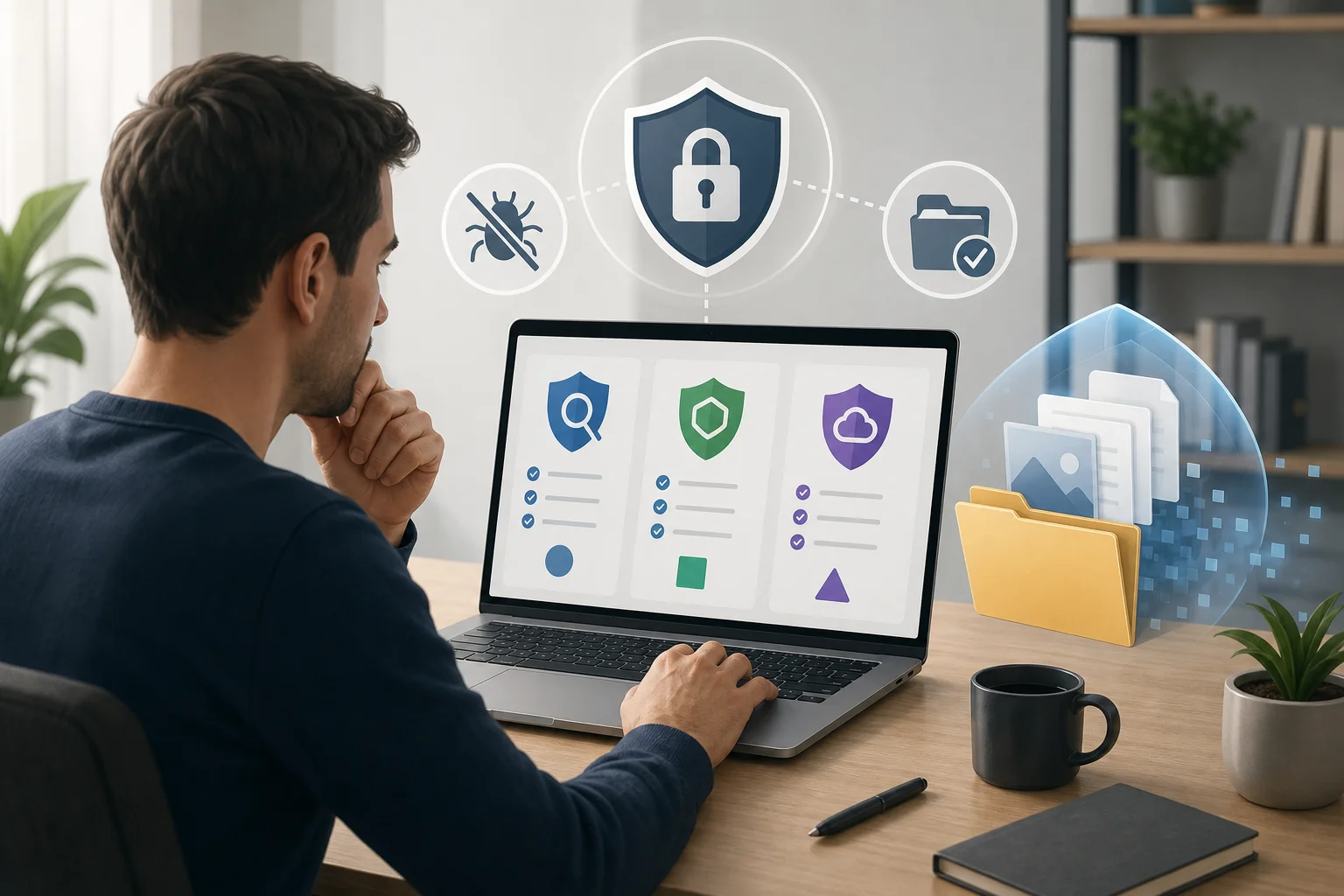
What to look for in independent tests
Independent tests help weed out weak products, but they should be read carefully. One high score does not guarantee perfect protection specifically against ransomware.
Pay attention to several parameters:
- protection against zero-day threats;
- results in real-world tests;
- number of false positives;
- response speed to new samples;
- availability of a separate ransomware scenario;
- impact on performance;
- stability after updates.
If the lab tests only classic viruses, the report says little about protection against ransomware. Conversely, tests with real encryption scenarios are more useful for this task.
Also, pay attention to the report date. The threat landscape changes rapidly. An old review may be outdated even if the product once showed good results.
How to choose a solution for home
Home users typically prioritize simplicity, automatic protection, and clear prompts. Not everyone is ready to configure application rules or analyze event logs.
An optimal set for a home PC or laptop includes:
- real-time protection;
- anti-ransomware module;
- folder protection for documents and photos;
- anti-phishing in the browser;
- download and attachment scanning;
- protection against malicious scripts;
- simple quarantine;
- minimal system load;
- clear technical support and knowledge base.
It is not advisable to choose a product solely based on a wealth of additional features. VPNs, password managers, or system cleaners can be useful, but they do not replace robust ransomware protection modules.
Family licenses for multiple devices are convenient. At the same time, it is important to protect not only the computer but also smartphones through which email, cloud links, and messengers are accessed. A phone is less likely to fall victim to classic ransomware but can be a point of entry for password theft.
How to choose a solution for small business
In small businesses, the consequences of ransomware are typically more severe. Documents, accounting databases, client data, CRM, projects, and shared network folders are all at risk. Thus, not just antivirus, but managed endpoint protection is needed.
Look for these features:
- unified admin console;
- security policies for device groups;
- workstation and server protection;
- RDP and remote access control;
- event and infection reports;
- centralized quarantine;
- notifications to the administrator;
- mail traffic protection;
- network folder support;
- the ability to quickly isolate an infected computer.
Support is also crucial for businesses. Clarify how quickly the provider responds to incidents, whether Russian-language documentation is available, and whether assistance is provided in configuring policies and recovering from an infection.
If the company does not have a separate system administrator, choose a solution with simple policy templates. A complex console without clear settings often leads to important functions being left off.
Why backups are more important than ransom
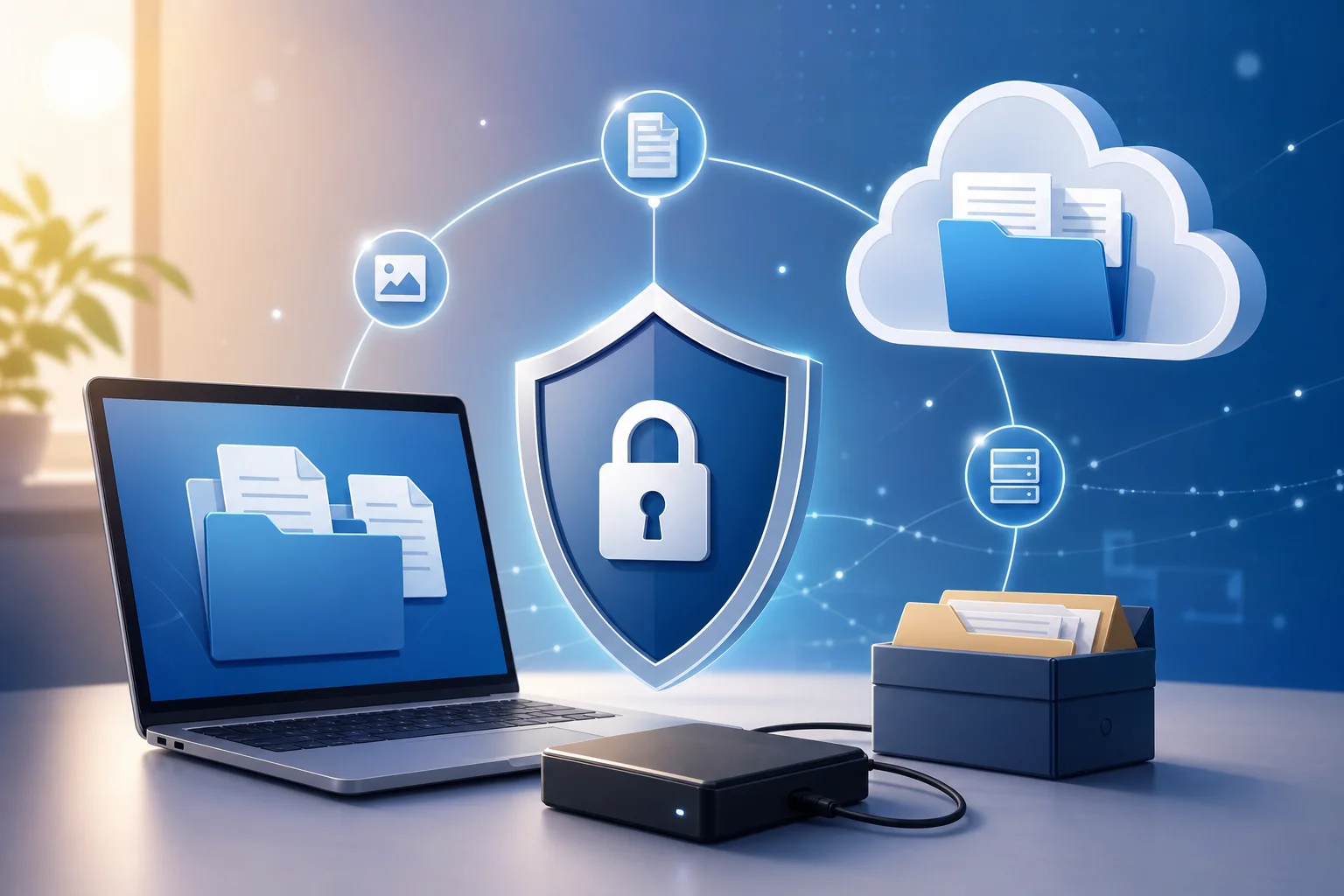
Even the best antivirus does not provide absolute guarantees. User error, new vulnerabilities, or stolen passwords can lead to infection. Therefore, backing up is an essential part of protection against ransomware.
Use the 3-2-1 rule:
- store at least three copies of important data;
- use two different types of media or storage;
- keep one copy offsite from the main system.
Offsite means that ransomware should not have constant access to the backup. If an external drive is always connected to the computer, the malware can encrypt it too. If a cloud folder synchronizes without versioning, encrypted files could replace the normal copies.
A good backup strategy includes versioning, restricted access rights, and regular recovery checks. A backup that no one has tested might prove useless on the day of a disaster.
Signs of weak protection
Sometimes an antivirus seems solid but is poorly suited specifically for ransomware protection. Here are some warning signs:
- the description does not mention ransomware protection;
- the product relies solely on signature scanning;
- lacks folder protection and behavior control;
- automatic updates of databases and modules are disabled;
- no event logs or clear notifications;
- antivirus frequently conflicts with programs and is regularly turned off;
- the provider does not publish documentation for security features;
- fresh independent tests are lacking;
- the product makes dubious promises, such as guaranteed decryption of any files.
Especially dangerous is using outdated versions of antivirus. Even if the license is active, an old engine may not support modern detection methods.
Settings to enable after installation
After installing antivirus, do not limit yourself to the standard scan. Check the settings for ransomware protection.
The recommended minimum:
- Enable real-time protection.
- Activate behavioral analysis and cloud scanning, if available.
- Turn on the anti-ransomware module.
- Add documents, work projects, photos, and databases to the protected folders.
- Enable phishing protection and HTTPS scanning, if implemented correctly and does not interfere with work.
- Configure email attachment scanning.
- Block autorun of programs from USB drives.
- Enable notifications for critical events.
- Create a schedule for full scans.
- Set up backup and check recovery.
For businesses, add policies for remote employees. Home networks, personal routers, and weak passwords increase the risk. Therefore, laptops should remain protected outside the office.
Common mistakes when choosing antivirus
The first mistake is choosing the cheapest product without analyzing features. Savings on the license may be trivial compared to downtime, document loss, or system recovery costs.
The second mistake is believing that paid antivirus automatically protects better than free ones. Price alone proves nothing. Specific capabilities and detection quality must be compared.
The third mistake is installing multiple antivirus solutions simultaneously. They may conflict, slow down the system, and interfere with each other. It is better to have one comprehensive product that is properly configured and regularly updated.
The fourth mistake is disabling protection for convenience. If antivirus interferes with a working program, it is necessary to set an exception for the specific trusted file rather than turning off the entire security module.
The fifth mistake is neglecting users. Even strong protection is weaker if people open suspicious attachments, use the same passwords, and ignore updates.
What to do if ransomware has already activated
If you notice that files are changing extensions en masse, ransom notes appear, or the computer suddenly behaves strangely, act quickly.
- Disconnect the device from the network: unplug the Ethernet cable, turn off Wi-Fi and Bluetooth.
- Do not restart the computer unnecessarily if you do not understand what is happening. Sometimes this complicates analysis.
- Disconnect external drives and network resources.
- Document signs of the attack: name of the note, file extensions, time of the event.
- Run a scan from a trusted antivirus medium or consult a specialist.
- Do not pay the ransom until consulting. Payment does not guarantee recovery and supports criminals.
- Check for an available decryptor for the specific ransomware family on authoritative resources.
- Restore data only after cleaning the system and closing the entry point for infection.
If this is a work computer, immediately notify the IT responsible person. The sooner the infected device is isolated, the better the chance to protect network folders and other stations.
Additional protective measures against ransomware
Antivirus is an important layer, but not all of security. To reduce risk, implement additional measures.
Update the operating system and applications. Closed vulnerabilities help attackers less. It is especially important to update browsers, office suites, archivers, PDF programs, and remote access tools.
Limit user rights. For daily work, an administrator account is not needed. If malware runs with restricted rights, it is harder to disable protection and compromise the entire system.
Use multi-factor authentication. It reduces the risk of unauthorized access to email, cloud, or VPN with stolen passwords.
Disable unnecessary RDP. If remote desktop access is needed, restrict it via VPN, use strong passwords, and enable lockout for brute force attacks and log monitoring.
Educate users. Short instructions help avoid common mistakes: do not open unexpected attachments, check the sender's address, do not enable macros in documents, and do not download pirated activators.
Frequently asked questions about ransomware antivirus
Can ransomware be entirely prevented?
No product offers full guarantees. But the combination of a good antivirus, updates, limited rights, multi-factor authentication, and backups significantly reduces the risk of catastrophic data loss.
Is a separate anti-ransomware needed if I already have antivirus?
If your antivirus includes behavioral protection, folder control, and change rollback, a separate program may not be necessary. If such functions are absent, it is better to switch to a more suitable solution than to add random utilities that create conflicts.
Will a free antivirus protect against ransomware?
Sometimes a free antivirus can stop known threats. But free versions often lack features: no advanced folder protection, centralized management, change rollback, or support. For crucial data, it is better to assess the complete set of protective capabilities rather than just the price.
Should I pay a ransom for file decryption?
Payment is not advisable. Attackers may not send a key, provide a non-working tool, or attack again. First, isolate the system, identify the type of ransomware, check for a decryptor, and use backups.
Will cloud storage protect against ransomware?
The cloud helps if file versioning is enabled and there is a possibility to revert to states before the attack. Simple synchronization does not save: encrypted files can upload to the cloud automatically and replace normal versions.
How often should I back up data?
Frequency depends on the value of the data. If documents are changed daily, copies are needed each day or more frequently. For businesses, it is better to set up automatic backup with multiple restore points and regular checks.
Final selection checklist
Before purchasing or installing, check the product against a short list:
- is there separate protection against ransomware;
- is behavioral analysis used;
- can selected folders be protected;
- is phishing and malware download blocking available;
- is exploit protection supported;
- can the antivirus revert harmful changes;
- are there fresh independent tests;
- are notifications and logs understandable;
- does the license suit your devices;
- is backup done according to the 3-2-1 rule.
Conclusion
To choose antivirus against ransomware, look not at advertising promises but at real protective layers: behavioral analysis, anti-ransomware module, folder protection, anti-phishing, exploit protection, and change recovery. Then, enable backups, updates, and multi-factor authentication. Start by checking your current antivirus against the checklist, enable missing functions today, and test the recovery of important files before it’s needed during a real attack.