Delivery of cybersecurity software: a guide to safe delivery and implementation
Delivering cybersecurity software is not just about transferring an installation file or activating a license. It is a managed process that includes solution selection, vendor verification, secure distribution transfer, licensing, implementation, updates, and support. An error at any stage can lead to downtimes, vulnerabilities, conflicts with infrastructure, or legal risks. In this article, we will discuss how to organize the delivery of cybersecurity software to ensure it is transparent, verifiable, and convenient for business.
Modern companies use dozens of categories of solutions: antivirus programs, EDR, XDR, SIEM, DLP, PAM, IAM, vulnerability scanners, email protection tools, web gateways, VPNs, WAF, and event management platforms. Each of these requires correct delivery, configuration, and ongoing support. Therefore, it is important to view delivery as part of the cybersecurity lifecycle rather than a one-time purchase.
What does delivering cybersecurity software mean?
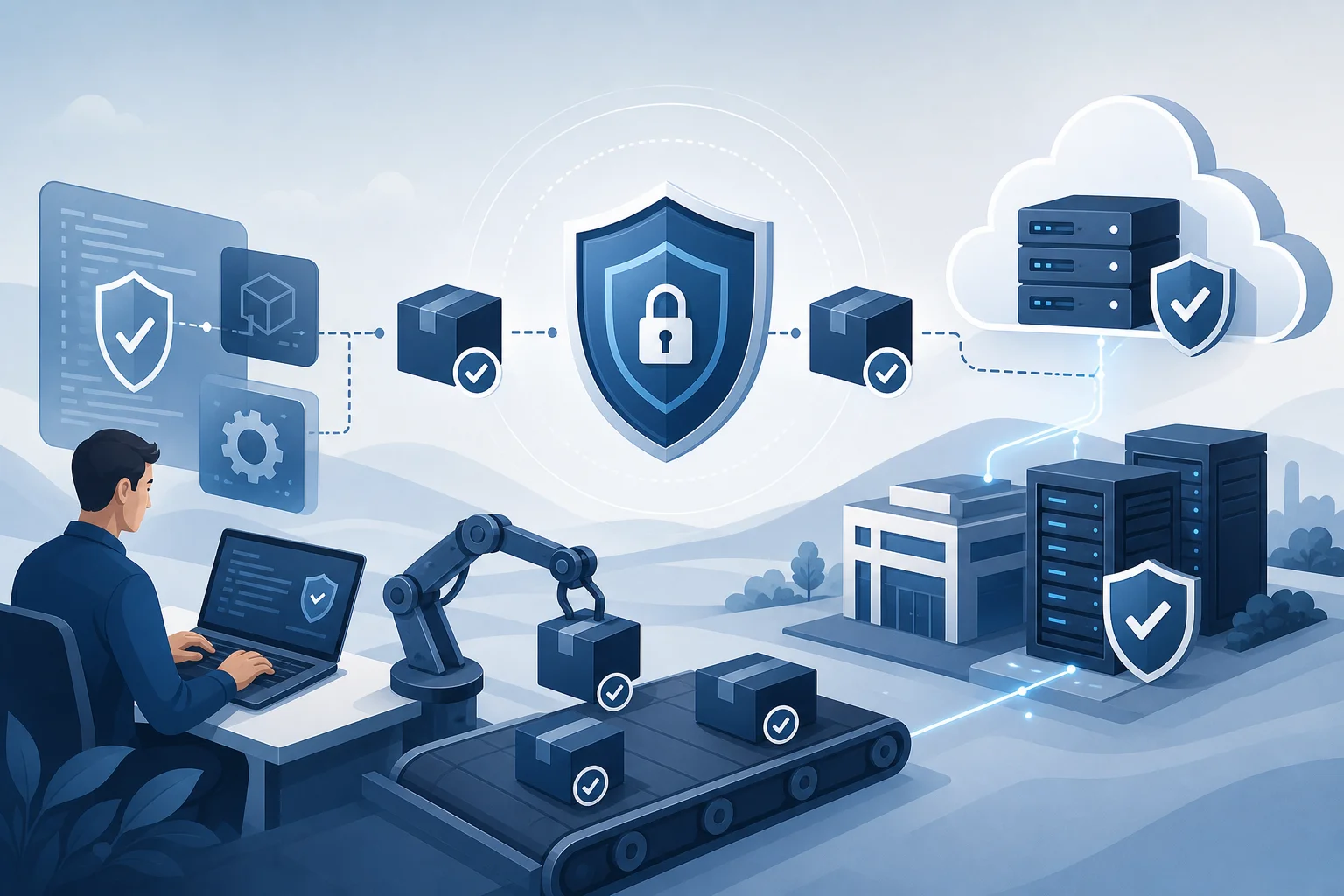
Delivering cybersecurity software usually refers to a set of actions that help the customer obtain, verify, deploy, and use the solution as intended. This process may include:
- consultation on product and edition selection;
- commercial proposal and agreement on licensing terms;
- compatibility verification with infrastructure;
- transfer of distributions or access to a SaaS platform;
- provision of licenses, keys, certificates, or activation tokens;
- integrity control of files and delivery source;
- implementation, pilot launch, and administrator training;
- setting up updates, monitoring, and technical support.
In other words, the delivery of cybersecurity software must address two questions: how to safely obtain a product and how quickly to bring it to operational status. If an organization receives a license but cannot deploy the solution without risking operational systems, the delivery cannot be considered complete.
Why are special requirements needed for delivering cybersecurity software?
An ordinary business application might process documents, payments, or customer requests. Cybersecurity software works at a deeper level: it analyzes network traffic, monitors endpoints, reads logs, integrates with user directories, and sometimes acquires privileged rights. Therefore, compromising such software is particularly dangerous.
Moreover, protection tools often become critical parts of infrastructure. Incorrectly delivering or updating an EDR agent can disrupt workstation operations. Misconfiguring a SIEM can prevent the security team from seeing important events. Licensing errors in DLP can leave part of the leakage channels unchecked.
Thus, when delivering software, it is necessary to consider not only the price and timeframe but also the product's origin, usage rights, transfer method, availability of updates, support quality, and audit capability.
Main delivery models
Cybersecurity software can be delivered under different models. The choice depends on security requirements, budget, regulatory constraints, the size of the infrastructure, and the availability of an internal team.
| Delivery model | When it suits | Advantages | Limitations |
|---|---|---|---|
| On-premises | Closed networks, strict data control, own data centers | Complete control over infrastructure, local data storage | Requires servers, administration, and regular maintenance |
| SaaS | Distributed teams, quick launch, cloud infrastructure | Rapid deployment, automatic updates, scalability | Must evaluate data storage, service availability, and SLA conditions |
| Hybrid model | Large companies, branch networks, mixed infrastructure | Balance of control and flexibility | More complex architecture and integrations |
| Managed service | Lack of an internal team, need for expert support | Provider assists in managing the solution and responding to events | Requires clear delineation of responsibilities |
| Offline delivery | Isolated segments, industrial networks, regime facilities | Control over transfer, ability to verify carriers | More challenging to update and maintain the product |
When selecting a model, it is useful to outline where logs will be stored, who will manage access, how updates will be performed, who is responsible for incidents, and how quickly the solution can be scaled.
Which classes of solutions are most often delivered?
The set of security products depends on the industry and the company’s maturity level. However, the following categories are most often encountered in projects.
Endpoint protection
This group includes antivirus programs, EPP, EDR, and XDR. They are installed on workstations, laptops, and servers. For such deliveries, compatibility with operating systems, device load, centralized management, and a secure agent update mechanism are important.
Event monitoring and management
SIEM, SOAR, and NDR help collect events, detect attacks, and accelerate response times. When delivering such solutions, it is necessary to evaluate log sources, event volumes, storage requirements, and integration with the infrastructure in advance.
Access and privilege control
IAM, PAM, and MFA solutions manage users, roles, and privileged accounts. Errors during their deployment can block legitimate users or leave dangerous rights unchecked. Therefore, delivery must include a pilot and rollback plan.
Data protection
DLP, encryption, data classification, and CASB help reduce the risk of leaks. For these solutions, correct policies, legal approvals, and clear communication with employees are particularly important.
Network and application protection
NGFW, WAF, VPN, DNS filtering, web gateways, and email protection tools operate at the network boundary or between segments. The delivery must account for performance, fault tolerance, certificates, routing, and its impact on user experience.
How to choose a vendor
A reliable cybersecurity software vendor should confirm the product's origin, team competencies, and support conditions. It is important to evaluate not only the price but also the partner's ability to support the solution after the license is transferred.
Check the following points:
- official status of the vendor or partner;
- possession of the right to sell the needed licenses in your region;
- transparent contract terms, SLA, and technical support conditions;
- experience in implementing similar solutions in your industry;
- availability of specialists in architecture, integration, and migration;
- procedures for handling confidential information;
- ability to provide documents, certificates, invoices, and transfer acts;
- clear update, license renewal, and subscription extension processes.
If a vendor evades confirming the product's source, offers dubious activation keys, or cannot explain the support scheme, this poses a serious risk. In cybersecurity, saving on the origin of licenses can result in a lack of updates, blocked access, or violation of usage terms.
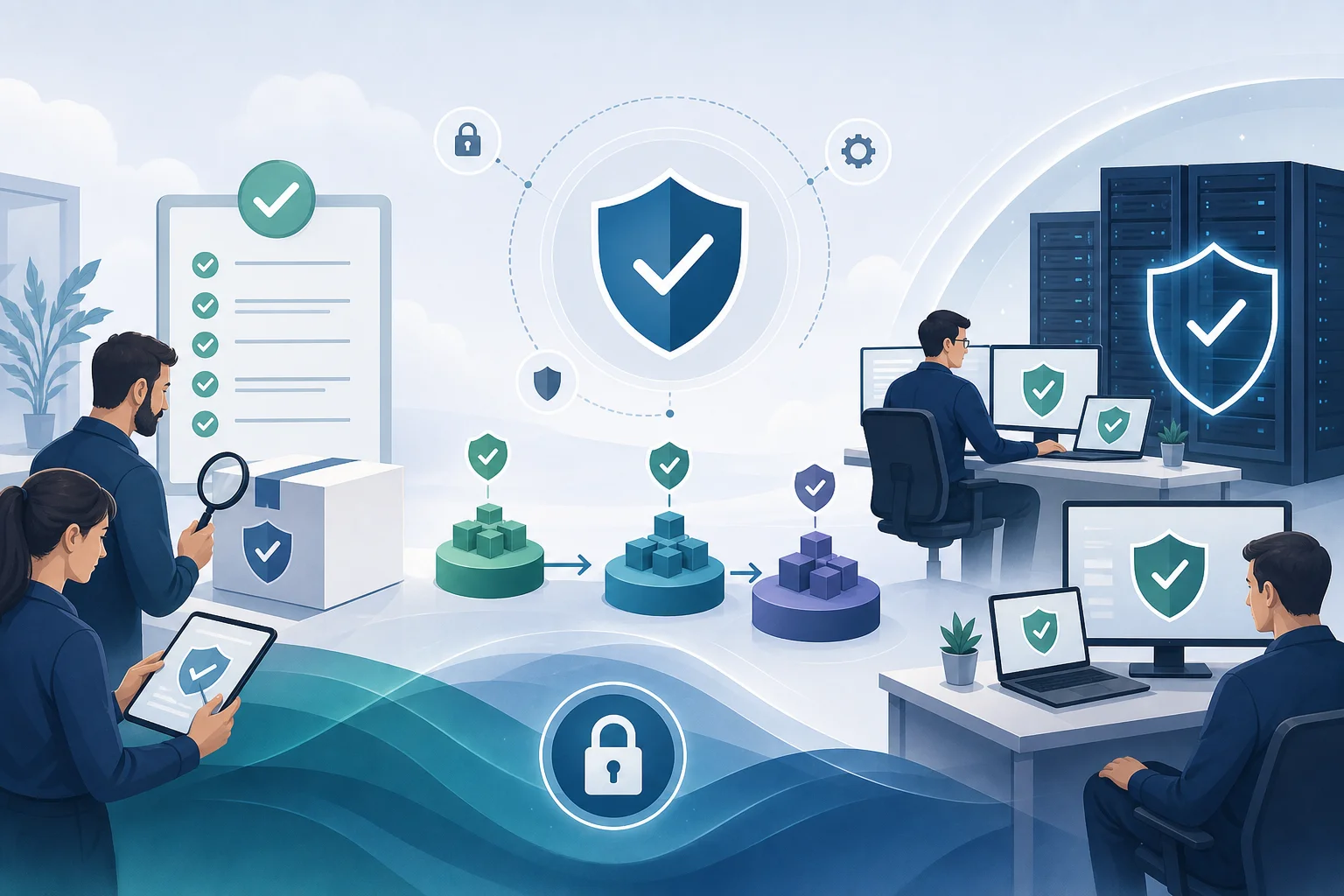
How to verify the legality and integrity of delivery
Safe delivery starts with a trusted channel. Even if the product is well-known, it is important to ensure that the distribution has not been altered and the license has been obtained legally.
To verify, use several levels of control:
- Documents and agreement. Ensure that the contract specifies the product, edition, number of licenses, validity period, usage territory, support, and update procedures.
- Official source. Obtain distributions from the vendor's portal, the vendor’s secured cabinet, or other agreed channels.
- Hashes. Compare file hashes with published values, if the vendor provides them.
- Digital signature. Check the signature of the installation package and the publisher.
- Transfer log. Record the date of receipt, responsible persons, product version, and transfer method.
- Isolation check. Before mass deployment, test the package in a separate environment.
- Access rights. Limit the circle of employees who can download, store, and distribute installation files.
Such verification is especially important for offline deliveries when files are transferred via physical media or closed circuits. In this case, it is also necessary to check the media for malware and maintain a movement log.
Step-by-step process for delivering cybersecurity software
Below is a universal process suitable for most projects. It can be adapted for SaaS, on-premises, or hybrid models.
- Formulate requirements. Describe the business task, protected assets, critical systems, number of users, servers, and branches.
- Define constraints. Specify requirements for data storage, regulations, compatibility, isolated segments, and administrator accesses.
- Choose the solution class. For example, EDR for endpoints, SIEM for monitoring, DLP for controlling data transfer channels.
- Request proposals. Compare functionality, total cost of ownership, licensing conditions, support, and delivery timelines.
- Conduct a pilot. Test the product's operation on a limited group of systems. Assess performance, management convenience, and event quality.
- Agree on architecture. Specify servers, agents, network rules, integrations, user roles, and backup plans.
- Formalize delivery. Conclude a contract, receive licenses, accesses, and distributions through a trusted channel.
- Check integrity. Compare versions, signatures, hashes, and completeness before installation.
- Deploy the solution according to the plan. Start with the pilot group, then move to rollout waves. Record the results at each stage.
- Configure policies. Do not implement strict blocks immediately for all users. Use monitoring mode first, if available.
- Train the team. Administrators and analysts should understand the interface, roles, escalation rules, and response procedures to events.
- Launch support. Set up updates, license monitoring, reporting, SLA, backup, and a plan for regular policy review.
Such an approach reduces the risk of errors and makes implementation predictable. Furthermore, it helps demonstrate that the organization controls the supply chain and complies with internal security requirements.
Licensing: what to clarify in advance
Licensing in cybersecurity can be complex. One product is licensed per user, another per device, a third by the volume of traffic, events per second, number of servers, or storage volume. Therefore, it is important to understand the actual metric before purchase.
Clarify with the vendor:
- what is considered a licensed unit;
- whether test, backup, and temporary systems are included;
- if licenses can be transferred between devices;
- how subscription renewal works;
- what happens after the license expires;
- whether updates of signatures, rules, engines, and versions are included;
- whether technical support is available and in which language;
- if there are restrictions by regions, clouds, or types of infrastructure;
- how branches, contractors, and remote employees are accounted for.
Pay special attention to scaling. If the company is growing rapidly, it is better to foresee the possibility of purchasing additional licenses without complex migration. It is also worth requesting the conditions for transitioning to a higher edition or another plan.
Safe transfer of distributions and accesses
The transfer of installation files and credentials must be secured. Activation keys should not be sent in open correspondence, passwords should not be stored in shared documents, or distributions transferred via random file-sharing services.
Recommended practices:
- use vendor personal cabinets or secure portals;
- enable MFA for administrative accounts;
- transmit passwords and keys separate from download links;
- limit the validity period of temporary links;
- record who accessed and when;
- store secrets in a corporate password manager or secrets vault;
- remove temporary accesses after the project ends;
- check the rights of partners and contractors on a least privilege basis.
If delivery is handled by a contractor, specify in advance what accesses they need. Do not grant full administrative rights without reason. It is better to create temporary roles with a limited duration and audit actions.
Implementation without business disruption
Even a high-quality solution can create problems if implemented abruptly and without testing. For example, DLP may block legitimate document transmissions, EDR may conflict with outdated software, and a network gateway may affect the speed of access to services.
To reduce risks, use phased implementation:
- first, laboratory checks;
- then, a pilot on a limited group;
- after that, deployment by departments or branches;
- simultaneously collect feedback;
- finally — implement strict policies and reporting.
It is essential to have a rollback plan. This should describe how to disable the policy, remove the agent, return to previous routing, or restore access. A rollback plan does not mean the project will fail. It means the team is prepared for unexpected situations.
Integration with existing infrastructure
Cybersecurity software rarely operates in isolation. It integrates with user directories, mail systems, clouds, virtualization tools, ticketing systems, SIEM, vulnerability scanners, and backup platforms.
Before delivery, collect information about the infrastructure:
- versions of operating systems and server platforms;
- network segments, proxies, and firewalls;
- directories used, such as Active Directory or LDAP;
- cloud services and providers;
- requirements for logging and storing logs;
- list of critical business applications;
- performance and availability constraints.
After that, you can prepare the architecture. It should specify solution components, data flows, ports, roles, storage places, redundancy, and update procedures. The more precise the architecture, the fewer surprises during implementation.
Updates and version management
Delivery does not end on installation day. Cybersecurity software requires regular updates: signatures, detection rules, agents, server components, connectors, and integrations. At the same time, updates must also be controlled.
A good practice is to separate environments into test and production. A new version is first tested on a limited group of devices. Then, if no problems occur, it is deployed more widely. For critical systems, a separate maintenance window can be used.
It is also important to keep information about versions. A minimum registry should include the product name, component, version, installation date, update date, responsible administrator, and link to release notes. This helps quickly resolve incidents and plan updates.
Supply chain risk management
The software supply chain involves the developer, distributor, integrator, delivery channels, cloud infrastructure, updates, and the internal customer team. Each element can become a source of risk.
To reduce risks, use the following measures:
- check the vendor's reputation and legal status;
- request information about secure development, if available;
- use SBOM when the vendor provides a list of components;
- monitor the integrity of updates;
- limit access for external specialists;
- maintain a log of changes and administrative actions;
- regularly review user rights;
- check compliance of internal procedures with company standards and policies.
SBOM is not always available for commercial products, but its presence increases transparency. It helps understand which third-party components are included in the product and how quickly new vulnerabilities can be assessed.
Specifics of delivery for regulated industries
Financial organizations, government sectors, industry, healthcare, and telecommunications often work under additional requirements. These may include certification, storage of personal data, logging, access control, network segmentation, and contractor operating rules.
Before purchasing, verify whether the product fits the specific regulatory environment. Sometimes, not only functionality is essential, but also the presence of documents, certified versions, local data storage, audit logs, and the possibility of offline updates.
It is also advisable to pre-agree involvement of the legal service, information security service, IT operations, and business process owners. This speeds up approvals and reduces the risk that the solution will be unsuitable after purchase.
Common mistakes in delivery
Mistakes often recur. It is better to prevent them before signing the contract or starting implementation.
Purchasing without a pilot
Demonstrating the interface does not replace a pilot. The product may look good in a presentation but behave differently in real infrastructure. A pilot helps uncover conflicts, load, event quality, and ease of administration.
Unclear support conditions
Sometimes an organization purchases a license only to later discover that support is limited, updates are not included in the plan, or requests are possible only through a long chain of intermediaries. Support conditions need to be documented in writing.
Underestimating total cost of ownership
The license price is not the only expense item. You must consider servers, log storage, implementation, training, renewals, integrations, maintenance, and specialist time.
Mass deployment without stages
Rolling out an agent immediately on all workstations can lead to mass failures. It is better to use waves of implementation and testing groups.
Lack of responsible parties
If a product owner, administrators, analysts, and those responsible for the contract are not assigned, the solution quickly becomes unmonitored. Responsibility must be clear from day one.
Documents to prepare
For a mature delivery process, having a set of documents is useful. It does not have to be bulky but should help manage risks.
Minimum set:
- technical specifications or requirements description;
- solution comparison matrix;
- architectural diagram;
- pilot plan;
- implementation and rollback plan;
- contract and license specification;
- act of transferring licenses or accesses;
- installation and update instructions;
- roles and access matrix;
- support regulations;
- change log.
Such documentation aids in audits, staff changes, and incident investigations. Moreover, it simplifies communication between IT, information security, procurement, and business.

How to assess delivery quality after implementation
After launch, it is important to determine whether the goal has been achieved. You can use practical criteria for this.
Evaluate:
- whether all licenses are activated and accounted for;
- whether the actual architecture matches the agreed diagram;
- whether components are receiving updates;
- whether policies work without critical false positives;
- if there are events in the monitoring system;
- whether backup and recovery are configured;
- if administrators and analysts are trained;
- whether the support request procedure is defined;
- whether versions and responsible parties are documented;
- whether the license renewal plan is clear.
If some of these points are unmet, the project should be considered incomplete. It is better to close gaps immediately rather than revisiting them after an incident.
Frequently asked questions about delivering cybersecurity software
How does delivery differ from a regular license purchase?
Purchasing a license is only the commercial part. Delivery includes the secure transfer of the product, integrity verification, configuration, implementation, training, and launching support. For protection software, this is critical because it affects the safety and stability of the infrastructure.
Can distributions be received through regular file-sharing services?
It is better to avoid this. It is safer to use the vendor’s portal, the vendor’s secure cabinet, or another agreed channel. If no other option exists, it is necessary to check hashes, digital signatures, and maintain a transfer log.
What to choose: SaaS or on-premises?
SaaS is suitable when quick launch, automatic updates, and scalability are important. On-premises is better for closed circuits, strict data control, and special storage requirements. Often, the optimal option becomes a hybrid model.
Is it necessary to conduct a pilot before purchasing?
Yes, if the product affects workstations, the network, accesses, email, data, or critical applications. The pilot helps check compatibility, load, detection quality, and management ease before large-scale delivery.
What are the risks of illegal licenses?
Illegal or dubious licenses may not receive updates, violate usage terms, go unsupported by the vendor, and create legal risks. This is especially dangerous in cybersecurity since outdated protection software quickly loses effectiveness.
Who should participate in the delivery project?
Usually, the information security service, IT operations, procurement, legal service, finance department, and business representatives are involved. For complex projects, architects, system administrators, network specialists, and integrators are also needed.
Practical checklist for the customer
Use this list before signing the contract and starting implementation.
- Business task and solution class defined.
- Official vendor status verified.
- Edition, licensing metrics, and duration agreed upon.
- Renewal and technical support terms clarified.
- Pilot conducted or planned.
- Implementation architecture prepared.
- Data and log storage requirements described.
- Safe distribution transfer channel selected.
- Responsible parties for accesses, installation, and support designated.
- Rollback plan prepared.
- License and version accounting configured.
- Renewal and scaling procedures defined.
This checklist helps quickly identify weak points. If several points lack clarity, it is better not to rush delivery. First, uncertainties need to be addressed.
Conclusion
The delivery of cybersecurity software should be a managed process with a verified vendor, a secure transfer channel, clear licensing, a pilot, an implementation plan, and ongoing support. This approach reduces technical, legal, and operational risks. Start with outlining requirements, check the product's origin, agree on architecture, and launch implementation in phases — this way, cybersecurity software will quickly provide benefits and not create new vulnerabilities.