What is a ransomware virus and how to protect your data
A ransomware virus is a malicious program that locks access to files or an entire system and demands a ransom for restoration. Such attacks are also called ransomware, or extortion programs. In this article, we will examine how a ransomware operates, the signs to recognize it, what to do when infected, and what measures can effectively reduce the risk of data loss.
What does a ransomware virus mean
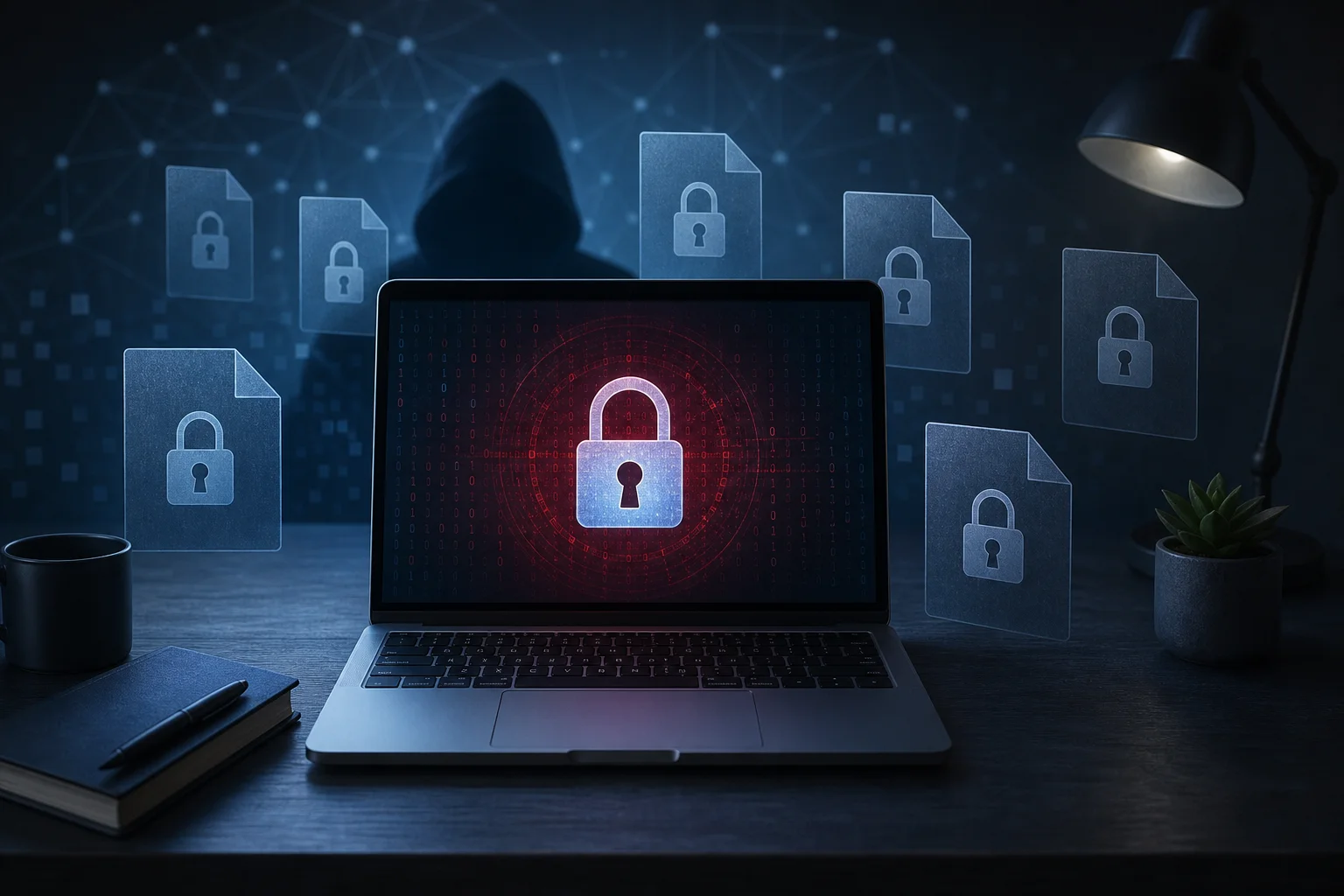
A ransomware virus is a type of malware that uses cryptography against the device owner. Typically, it finds documents, photos, archives, databases, and other important files, then encrypts them in such a way that accessing the data without a key becomes impossible.
After this, a message appears on the screen demanding payment. Cybercriminals may request payment in cryptocurrency, threaten to delete the key, or publish stolen data. However, payment does not guarantee restoration. Additionally, the money supports further attacks.
It is important to understand: ransomware is not just a "nuisance virus." It can halt the operation of a company, deprive a user of family archives, and damage network storage if the infected computer has access to them.
How does ransomware work
Most attacks follow a similar scenario. Only the methods of penetration and the scale of damage differ.
Main stages of infection
- Penetration into the device. The user opens a malicious attachment, starts a fake installer, or clicks on a dangerous link. Companies often exploit vulnerabilities in remote access and weak passwords.
- Embedding into the system. The malicious program may disable protective services, delete Windows shadow copies, and attempt to gain administrator rights.
- Searching for valuable files. The ransomware scans drives, connected USB storage, network folders, and sometimes cloud-synced directories.
- Encrypting data. Files receive a new extension, and their content becomes unreadable. Often, robust algorithms are used, making it impossible to "guess the password."
- Demanding ransom. Instructions for payment and contact with the attackers appear on the desktop, in folders, or in the browser.
This order helps understand the main point: the sooner an infection is stopped, the fewer files will be damaged.
Where ransomware viruses come from
Infection rarely happens "by itself." There is usually a specific attack channel.
Common sources of threats
- Phishing emails. Attachments are disguised as invoices, acts, resumes, notifications from delivery services, or banks.
- Pirated software and cracks. Hacked installers often contain Trojans and ransomware.
- Vulnerabilities in software. Unpatched systems, old versions of browsers, office suites, and server applications increase the risk.
- Weak passwords for RDP and VPN. Attackers brute-force access and launch the ransomware manually.
- Malicious ads and fake websites. Users are prompted to download an update, archive, or "codec."
- Infected USB drives. This method is less common but still dangerous in offices and educational institutions.
Therefore, protection should involve not just one program, but a set of habits, settings, and backups.
How to tell if your computer is infected
Signs of ransomware are often noticeable after the attack has started. However, some symptoms can appear earlier.
Worrying signs
- files suddenly stopped opening;
- document names or extensions have changed;
- folders contain files with payment instructions;
- the system has suddenly slowed down for no apparent reason;
- antivirus disabled or shows warnings;
- restore points or backups disappeared;
- a window with a ransom demand appeared on the screen.
If you notice these signs, do not reboot your computer unnecessarily and do not connect external drives. First, you need to limit the spread of the threat.
What to do if you catch a ransomware virus
Below is a step-by-step action plan. It does not guarantee the recovery of all data, but it helps minimize damage and avoid worsening the situation.
Step-by-step action plan
- Disconnect the device from the network. Pull out the network cable, turn off Wi-Fi and Bluetooth. This can stop the spread over the local network and cloud synchronization.
- Do not pay immediately. Payment does not provide legal or technical guarantees. First, evaluate restoration options.
- Take a photo of the attackers' message. Save addresses, file extensions, message text, and the time of infection. This information will help specialists.
- Do not delete encrypted files. Sometimes, decryptors for specific families of ransomware appear. The original files may be needed.
- Check backups. Make sure they were not connected during the attack and are not encrypted.
- Run a scan from a trusted medium. It’s best to use a bootable antivirus disk or consult a specialist, especially when it comes to work-related data.
- Determine the type of ransomware. You can use well-known ransomware identification services by uploading the ransom note and a sample encrypted file.
- Reinstall the system if necessary. After removing the threat, restore data from clean backups.
- Change passwords. Especially for email, cloud storage, VPN, RDP, admin panels, and banking services.
- Analyze the reason for the attack. Otherwise, the infection may recur through the same vulnerability.
It is also important for companies to notify those responsible for information security, document the incident, and check all nearby devices.
Is it possible to decrypt files without payment
Sometimes yes, but not always. It all depends on the family of the malware, the quality of the encryption implementation, and the presence of errors by the attackers.
When recovery is possible
Files can be recovered if:
- there is a current backup;
- the system created shadow copies, and the virus did not manage to delete them;
- a free decryptor has been released for a specific ransomware;
- part of the data was preserved in the cloud, email, messengers, or other devices;
- specialists found a flaw in the encryption implementation.
When chances are low
If a modern robust algorithm was used, the key is stored only by the attackers, and there are no backups, decryption is usually impossible. In such cases, services promising "100% recovery" may be fraudulent. An honest specialist will first determine the type of threat and only then offer realistic options.
Should you pay the ransom to criminals
Payment is not recommended. There are several reasons. Firstly, criminals may not send the key. Secondly, the decryptor may malfunction and corrupt some of the files. Thirdly, after payment, the victim may be attacked again, as they have already shown a willingness to pay.
Moreover, in some situations, transferring funds may violate legal requirements or sanctions. If the data is critical for business, the decision should be made together with lawyers, information security specialists, and management. But for a home user, the best route is recovery from backups and strengthening protection.
How to protect against ransomware
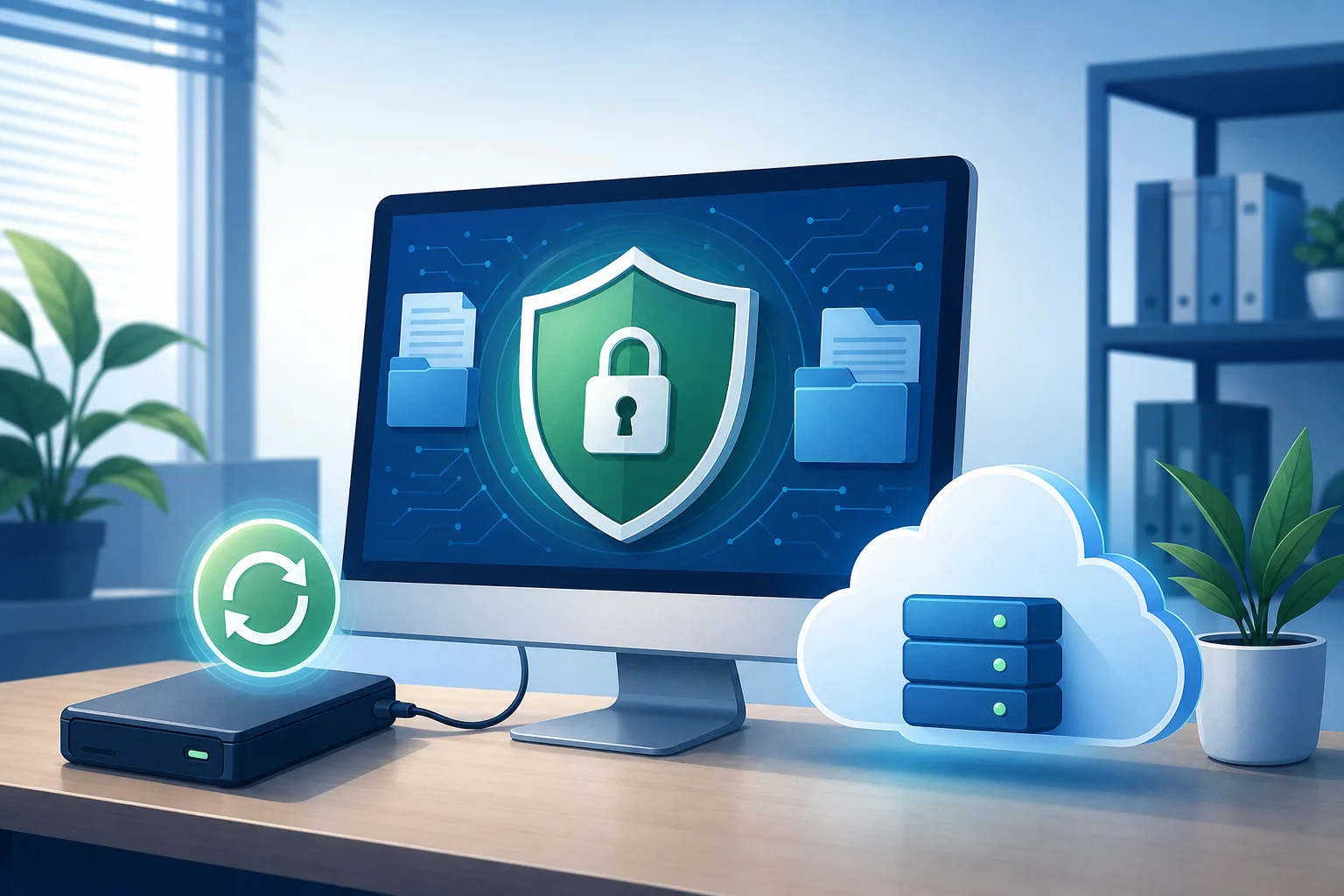
Reliable protection is built on the principle of "multiple barriers." If one fails, another will minimize the damage.
Practical protection measures
- Make backups according to the 3-2-1 rule. Keep at least three copies of data on two different types of media, one stored separately from the computer or offsite.
- Do not keep backups constantly connected. If an external drive is always accessible, the ransomware may encrypt it as well.
- Update the system and programs. Patches close known vulnerabilities.
- Use antivirus and ransomware protection. Enable monitoring of suspicious file changes.
- Limit user privileges. Do not work every day under an administrator account.
- Check emails and attachments. Be cautious if an email pressures urgency or asks you to enable macros.
- Enable multi-factor authentication. Especially for email, remote access, and cloud services.
- Disable unnecessary RDP. If remote access is needed, use VPN, complex passwords, and IP restrictions.
- Periodically test recovery. Backup is valuable only when it can be quickly restored.
Comparison of protection methods
| Protection method | What it protects against | Limitations |
|---|---|---|
| Backups | Data recovery after encryption | Copies must be stored separately and checked |
| Software updates | Closing known vulnerabilities | Do not protect against all phishing attacks |
| Antivirus | Detection of known threats and suspicious behavior | May not recognize new modifications |
| Multi-factor authentication | Protecting accounts from password brute-force | Requires proper setup |
| User training | Reducing the risk of opening malicious emails | Needs regularity and clear rules |
| Limiting privileges | Reducing the scale of damage | Does not replace backup |
The best results come from combining these measures. For example, updates reduce the likelihood of penetration, and backups lessen the consequences if an attack does occur.
How ransomware differs from a regular virus
A regular computer virus can corrupt files, show ads, steal passwords, or use the device in a botnet. Ransomware has a narrower and more dangerous target: to block data and demand money for its return.
Moreover, modern ransomware often employs double extortion. They first steal information and then encrypt it. If the victim refuses to pay, the attackers threaten to publish it. This is particularly dangerous for organizations that deal with personal data, contracts, and trade secrets.
Frequently asked questions about ransomware viruses
What is ransomware in simple terms?
Ransomware is a type of extortion software. It locks files or a computer and demands a ransom. In Russian, it is often referred to as a ransomware virus.
Can I remove ransomware with antivirus?
Often, the malicious program itself can be removed. However, removal does not decrypt already damaged files. Backups, a decryptor, or other data sources are needed for recovery.
Will reinstalling Windows help?
Reinstalling will remove the infected system if done correctly. However, it will not restore encrypted files. Before reinstalling, it is advisable to save a disk image or copies of encrypted data for possible analysis.
Should I disable the internet when infected?
Yes. This is one of the first actions. Disconnecting the network can halt data transfer, spread through network folders, and prevent synchronization of already encrypted files to the cloud.
Can ransomware infect a phone?
Yes, mobile extortionists exist. They are more likely to lock the screen or access to applications than to encrypt files on a large scale. Protection is similar: install apps only from official stores, update the system, and do not grant unnecessary permissions.
Conclusion
A ransomware virus is dangerous because it turns personal and work files into a tool for pressure. Therefore, action should be taken early: set up backups, update programs, protect accounts, and be cautious with attachments. If infection has already occurred, immediately disconnect the device from the network, preserve evidence, and check recovery options without paying the ransom.